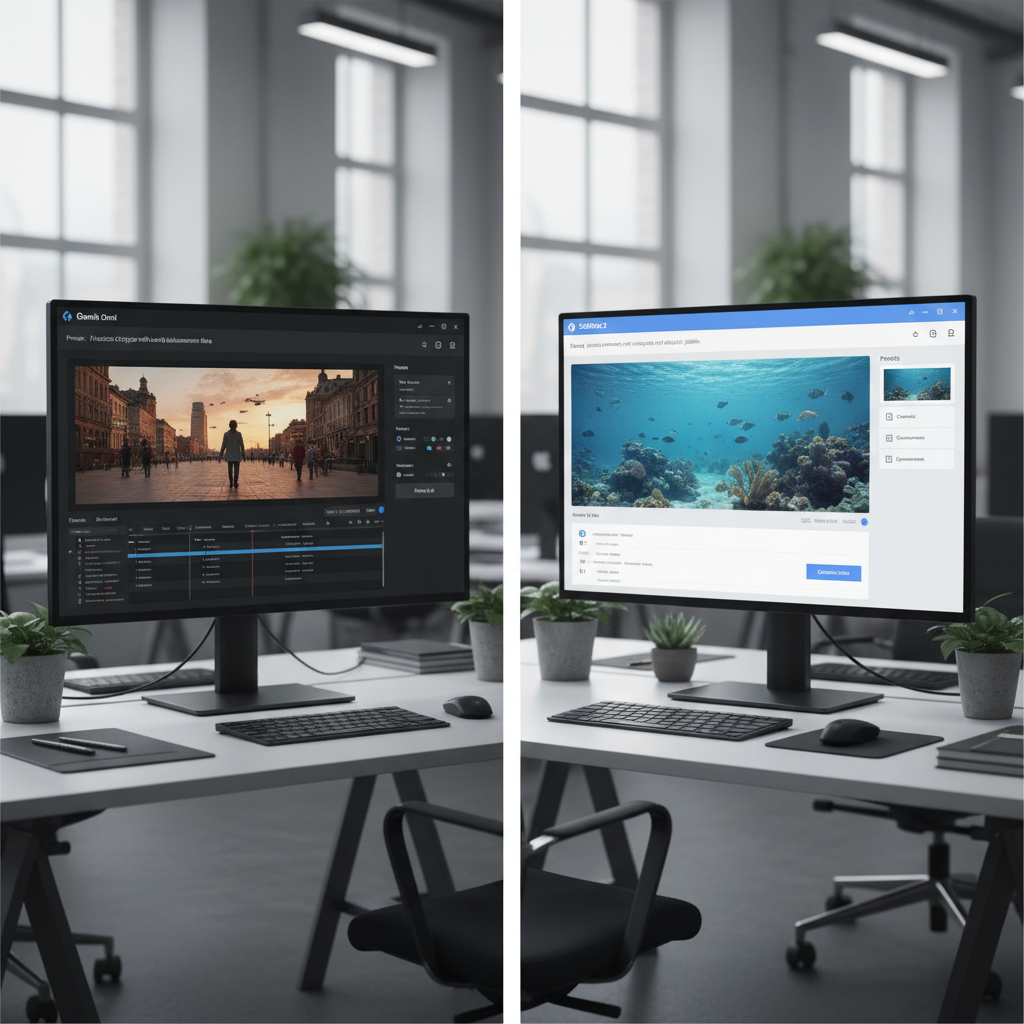
It is 2026. AI video generation finally respects physics. Google dropped Gemini Omni video capabilities into the wild.
Table of Contents
- ●The baseline specs: resolution and limits
- ●Test 1: spatial tracking and VFX materialization
- ●Pro tip: exact lighting references
- ●Test 2: video-to-video object removal
- ●Test 3: practical tracking markers
- ●Test 4: typography and text persistence
- ●Test 5: claymation and stylized animation
- ●The exact prompt used
- ●Test 6: audio reactivity
- ●The macro industry context
- ●Pros and cons breakdown
- ●Gemini Omni advantages
- ●Gemini Omni disadvantages
- ●SeaDance 2 advantages
- ●SeaDance 2 disadvantages
- ●The final verdict
- ●Action plan
- ●Frequently asked questions
- ●Can I use Gemini Omni for commercial projects?
- ●Why does SeaDance 2 limit videos to 15 seconds?
- ●Does audio reactivity cost extra credits?
Higgsfield immediately countered with SeaDance 2. I spent 80 hours running both models through a brutal testing gauntlet. I threw complex spatial tracking and visual consistency checks at them.
I didn’t just paste basic text prompts. I built a testing rig using uncompressed 4K footage from a Sony FX3. I wanted to see how these models handle actual production obstacles. The output data tells a clear story.
I ran visual effects tracking. I forced claymation rendering. I built storyboard-to-reality pipelines.
Both platforms claim market dominance. But marketing copy rarely survives contact with real production workflows. Here is the raw data.
The baseline specs: resolution and limits
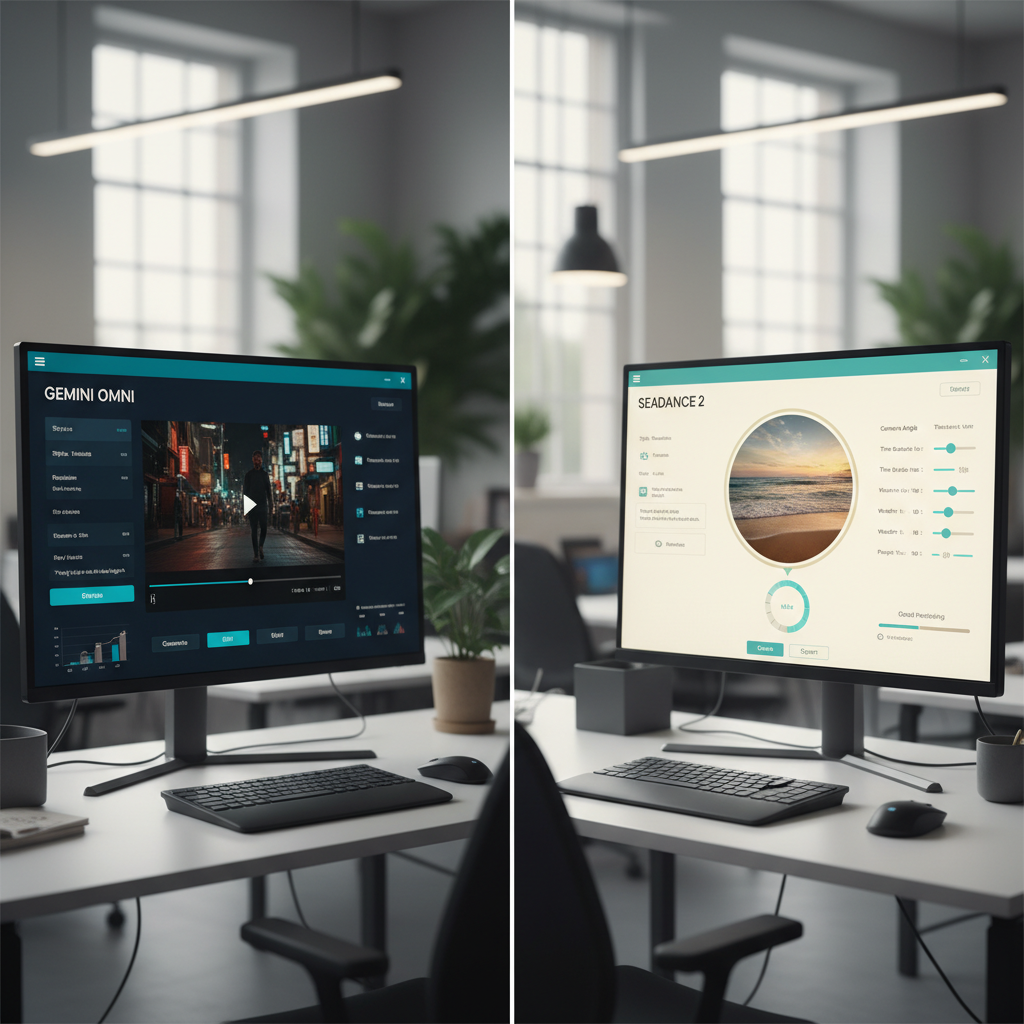
You need to know the hard constraints before you build a workflow. Google Gemini caps video inputs and outputs at 10 seconds. The resolution hits a hard ceiling at 720p.
That restriction chokes high-end production pipelines. Dropping 720p footage onto a 4K timeline looks terrible. You have to spend another hour running it through an upscaler.
Higgsfield’s SeaDance 2 gives you 15 seconds of generation time. The output hits 1080p natively. 5 extra seconds gives you room to hold a cinematic shot.
Native 1080p means you bypass external upscalers like Topaz Video AI entirely. You keep your editing momentum intact. You export the file and immediately drop it into Premiere Pro.
I found a similar pattern when testing ChatGPT vs Claude in 2026. Raw specs only tell half the story. The real test lies in complex visual logic.
Test 1: spatial tracking and VFX materialization
I started with a classic visual effects challenge. I recorded a clip of myself touching a mirror. The prompt asked the AI to spread a chrome material over my body starting from the point of contact.
The model has to understand collision mechanics. It has to map material properties onto moving human anatomy. Traditional workflows require 3 days of tracking in Mocha Pro for this specific effect.
Gemini Omni handled the materialization effect perfectly. The chrome wrap snapped to the contours of my arm. The reflections on the metal mathematically matched the fluorescent room lighting.
SeaDance 2 passed this test with a grittier texture. It added realistic scratches to the chrome. It looked like heavily used metal rather than perfect CGI.
Next, I tested 3D object tracking. I held my hand open to the camera. I prompted the models to anchor a glowing 3D solar system exactly 2 inches above my palm.
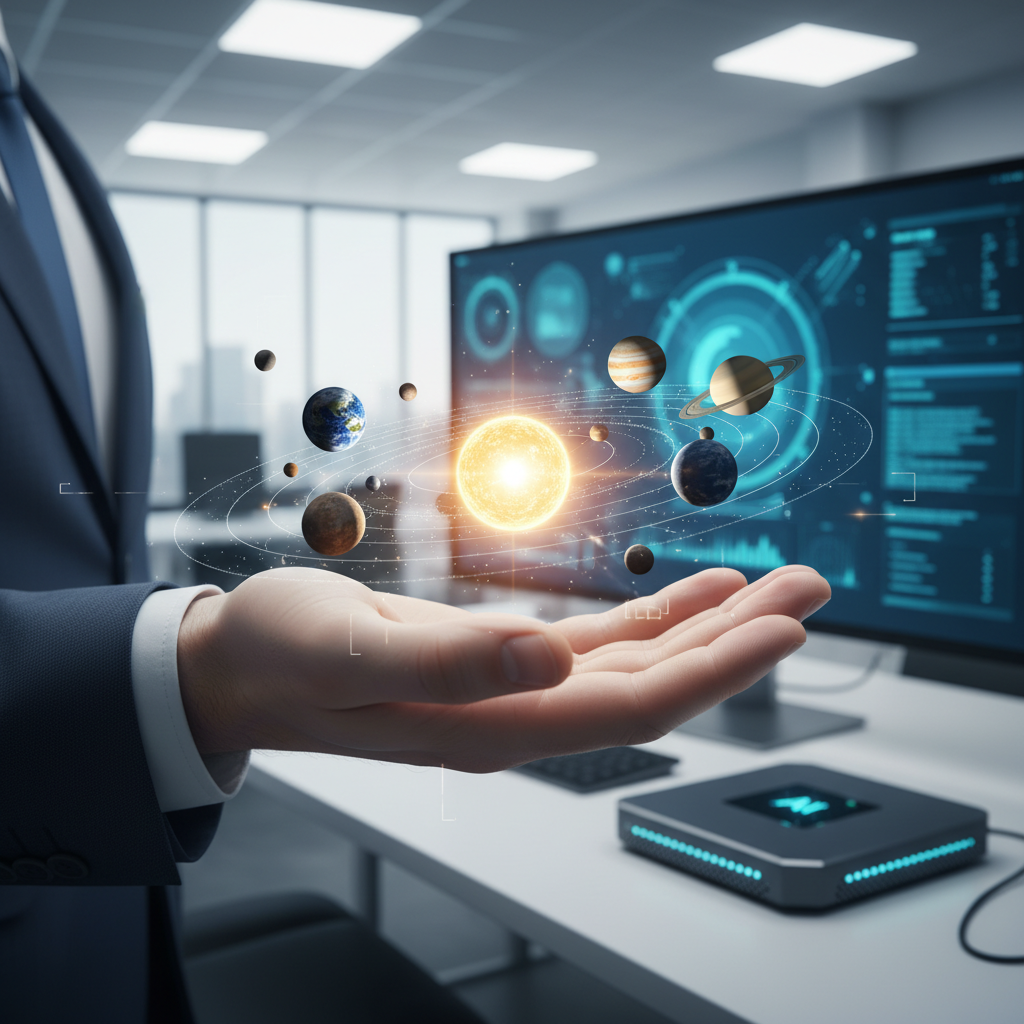
Gemini Omni nailed the shadow casting. The miniature sun projected harsh orange light onto the wrinkles of my hand. The planets tracked exactly with my micro-movements.
SeaDance 2 rendered sharper surface textures for Jupiter and Mars. But it failed the occlusion check. My fingers clipped right through the light source when I rotated my wrist.
Pro tip: exact lighting references
Always name the primary light source in your prompt when adding 3D objects to live footage. Do not leave it up to the AI. Use exact phrasing.
Cast a warm orange shadow onto the skin matching the overhead 5600K fluorescent lighting.
This forces the model to calculate the exact lighting physics. It prevents the flat pasted-on look that ruins most generated edits.
Test 2: video-to-video object removal
Object removal eats up editing hours. You usually spend days drawing masks and rotoscoping in DaVinci Resolve. I wanted to test total automation.
I uploaded 4K footage of a man playing a grand piano from behind. I gave the models 3 specific instructions.
- Transport him to a snowy mountainous background.
- Rotate the camera angle 45 degrees over his right shoulder.
- Erase the piano completely.
Gemini Omni nailed the execution. It kept the man’s posture frozen in space. His fingers kept moving as if pressing physical keys.
The piano was gone. A snowy ridge took its place. Changing the camera angle of a flat 2D video requires heavy computing power.
The model built a temporary 3D scene in its latent space. It physically moved the virtual camera. It rendered the new view perfectly.
Erasing a massive object like a grand piano leaves a gaping hole in your pixels. Gemini Omni reconstructed the floorboards beneath where the piano used to sit. It accurately predicted the wood grain direction.
SeaDance 2 handled the background replacement well. But it completely ignored the camera rotation prompt. It kept the original angle and warped the perspective slightly.
Test 3: practical tracking markers
I drew a thick black X on my arm with a Sharpie. I prompted the AI to replace the mark with a tarantula crawling up my sleeve. This tests the model’s ability to lock onto a specific pixel cluster.
It has to anchor the generated animation to that exact spot. SeaDance 2 destroyed this test. The tarantula looked terrifyingly real.
The hairy leg articulation matched the exact curve of my forearm muscle. The shadow underneath the spider shifted correctly as it crawled toward my elbow.
Gemini Omni rendered a cartoonish mess. The tracking held solid. The X disappeared entirely.
But the spider looked like a low-budget video game asset from 2012. It lacked ambient occlusion. SeaDance 2 understands organic biology.
I ran a second tracking test on a moving vehicle. I taped a green tracking dot to a spinning car tire. I asked the models to bolt a glowing neon rim onto the wheel.
Gemini Omni failed entirely. The neon rim slid off the tire after 3 frames. SeaDance 2 bolted the digital rim directly to the green dot.
Check out my guide on how to use AI for everyday tasks if you want to learn these specific workflows. It breaks down the prompt structuring you need for these tools.
Test 4: typography and text persistence
Generating legible text inside a video remains brutally difficult for AI. I uploaded a blank billboard next to a highway. I prompted the models to paint the words NEON DREAMS in bright pink graffiti across the sign.
I instructed the AI to keep the text stable as cars drove past the camera. Gemini Omni generated perfect spelling. The letters locked onto the billboard structure.
The typography held its shape even when a semi-truck drove in front of the camera. The truck briefly obscured the sign. The model remembered the text layout behind the physical occlusion.
SeaDance 2 mangled the spelling. It generated the words NEEN DREMS. The letters melted into each other around the 5-second mark.
The graffiti completely vanished after the semi-truck wiped the frame. Gemini Omni possesses vastly superior short-term object memory for text.
Test 5: claymation and stylized animation
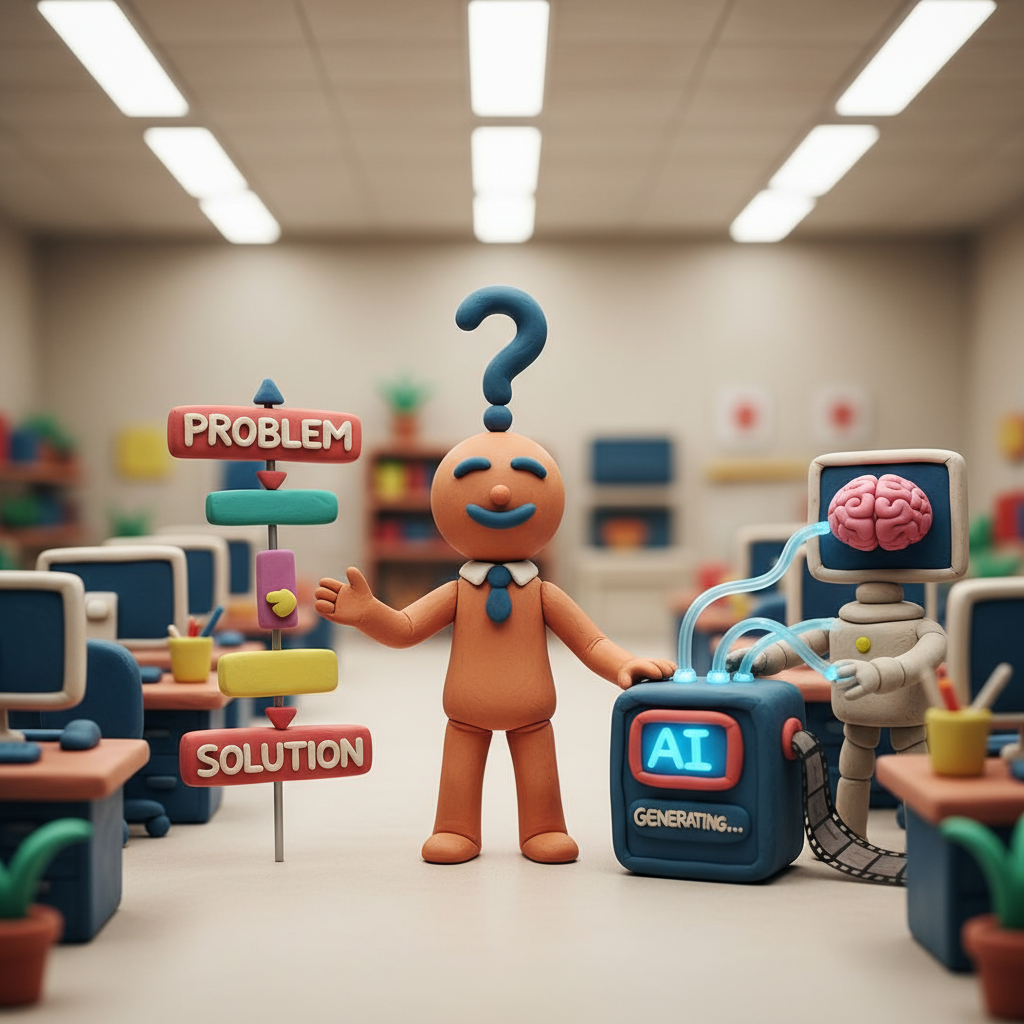
AI generates highly stylized art alongside raw realism. I tested stylized rendering next. I asked for a claymation explainer video of protein folding.
I demanded a stop-motion look. I specifically excluded human hands from the frame.
The exact prompt used
Claymation explainer of protein folding. Everything is made out of clay. No hands. Stop motion style with 12 frames per second stutter. Scientifically accurate shapes.
Gemini Omni produced a masterpiece. The resulting video had the tactile feel of real modeling clay. It simulated slight thumb-print indentations on the protein structures.
It nailed the 12-frames-per-second stutter exactly. SeaDance 2 generated a decent animation. But it felt entirely too smooth.
It looked like a Maya 3D render trying to mimic clay. It lacked the physical grit of a real stop-motion set. It smoothed out the framerate to 24 frames per second despite my strict instructions.
This matters heavily for freelance video editors. Clients pay for specific aesthetic styles. Style adherence dictates your success if you deploy web tools using these APIs.
Read my tutorial on how to deploy a Google AI Studio Web App to see the backend code for this integration.
Test 6: audio reactivity
I tested audio synchronization next. I provided a pulsing 120 BPM electronic beat. I uploaded a static image of a dark apartment building.
The prompt asked the AI to flick the apartment lights on and off in exact sync with the heavy bass drops. Both models process audio files directly alongside the image prompt.
They read the waveform peaks in the MP3 file. They time the visual generation to those exact audio spikes. SeaDance 2 produced an incredible lighting falloff against the exterior brick texture.
Gemini Omni flashed the lights exactly on beat. But the lights felt flat. They looked like bright white squares pasted over the windows.
SeaDance 2 calculated the volumetric light spilling out of the windows. It illuminated the metal fire escapes. It rendered shadows cast by the window frames.
You still need dedicated tools for the actual sound design. Route your generated voiceovers through ElevenLabs. Build your sound effects in traditional DAWs.
These video models only react to audio files. They do not generate sound.
The macro industry context
These tools exist in a crowded market. OpenAI Sora set the initial benchmark for temporal consistency. Runway Gen-3 currently dominates camera motion control.
Luma Dream Machine and Pika Labs undercut the market with aggressive pricing. You can download open-source alternatives directly from Hugging Face if you have the local GPU power.
Gemini Omni and SeaDance 2 target a very specific niche. They focus entirely on intense video-to-video editing. They solve precise spatial reasoning problems.
These tools surgically alter raw footage you already shot on set. They ignore basic text-to-video B-roll generation.
Running these models costs real money. Gemini Omni burns through your Google One AI Premium credits rapidly.
Generating 10 variations of a 10-second clip will exhaust your daily limit. SeaDance 2 operates on a strict API model.
You pay roughly $0.40 per generation. A single heavy VFX shot can cost $15 by the time you lock in the perfect seed and iterate on the prompt.
| Feature | Gemini Omni | SeaDance 2 |
|---|---|---|
| Max resolution | 720p | 1080p |
| Max duration | 10 seconds | 15 seconds |
| Best use cases | Camera angle changes, style transfer, UI manipulation | Photorealism, creature integration, longer scenes |
| Motion control | Excellent spatial reasoning | Cinematic but struggles with deep occlusion |
Pros and cons breakdown
Gemini Omni advantages
- Flawless 3D perspective shifting from flat 2D video.
- Mathematically accurate light and shadow casting.
- Obeys stylized prompts precisely.
- Ties directly into the Google Cloud API ecosystem.
Gemini Omni disadvantages
- Hard cap at 720p resolution.
- Strict 10-second duration limit.
- Photorealistic creatures look plastic and lack ambient occlusion.
SeaDance 2 advantages
- Native 1080p output bypasses third-party upscaling software.
- 15-second generation limits allow for extended cinematic holds.
- Generates photorealistic textures for organic biology.
SeaDance 2 disadvantages
- Fails to physically move the virtual camera inside existing footage.
- Ignores stylization rules and reverts to standard 3D realism.
- Fingers and fast-moving objects clip through generated light sources.
The final verdict
No single tool wins across the board. You have to select the right engine for your specific shot. Use Gemini Omni for structural edits like removing massive objects or changing camera angles.
Gemini handles extreme animation styles perfectly. Its 3D spatial awareness algorithms rarely fail. Run SeaDance 2 for cinematic VFX integration.
The 1080p output makes a massive difference on a 4K timeline. Organic textures look mathematically correct. Tracking live insects or rendering fire physics simply looks better in the Higgsfield model.
Do not force one tool to do everything. I frequently start a shot in Gemini Omni to remove an unwanted background element. I export that clean plate.
I bring that exact clip into SeaDance 2 to track a 3D creature onto the foreground. Chaining these models together yields the highest quality results. This modular workflow prevents the models from fighting your instructions.
Action plan
- Use Gemini Omni for camera angle changes and highly stylized stop-motion.
- Use SeaDance 2 for photorealistic VFX integration and higher resolution needs.
- Run all 720p outputs through Topaz Video AI to reach 4K delivery standards.
Frequently asked questions
Can I use Gemini Omni for commercial projects?
Google permits commercial use for outputs generated by paid Gemini Advanced users. You must adhere to their exact safety guidelines. You hold the legal liability for any copyright infringement in your source footage.
Why does SeaDance 2 limit videos to 15 seconds?
Video generation burns through massive GPU compute power. Pushing generation past 15 seconds spikes the risk of temporal hallucination. The video will lose visual consistency.
The pixels will literally melt into a chaotic mess. Higgsfield capped it at 15 seconds to enforce maximum image fidelity.
Does audio reactivity cost extra credits?
Uploading audio files uses standard video generation credits. The platforms don’t charge an additional fee for audio analysis. The generation process simply takes about 20 percent longer to compute the waveform peaks.
The barrier to entry for high-end VFX sits at zero. You just need detailed prompts and a modular workflow. Test these models with your raw footage right now.

Written by Mangaleswaran
Mangaleswaran is the founder of AIZnap (aiznap.com) and a dedicated AI content creator. With a background in blogging and technology, he has a deep passion for making artificial intelligence accessible to everyone. He specializes in breaking down complex AI tools, tutorials, and updates into simple, practical guides that anyone can follow. Whether you are a complete beginner or someone looking to use AI to build websites, apps, or grow your online presence — Mangaleswaran's content is designed to help you take action with confidence.
View all posts