
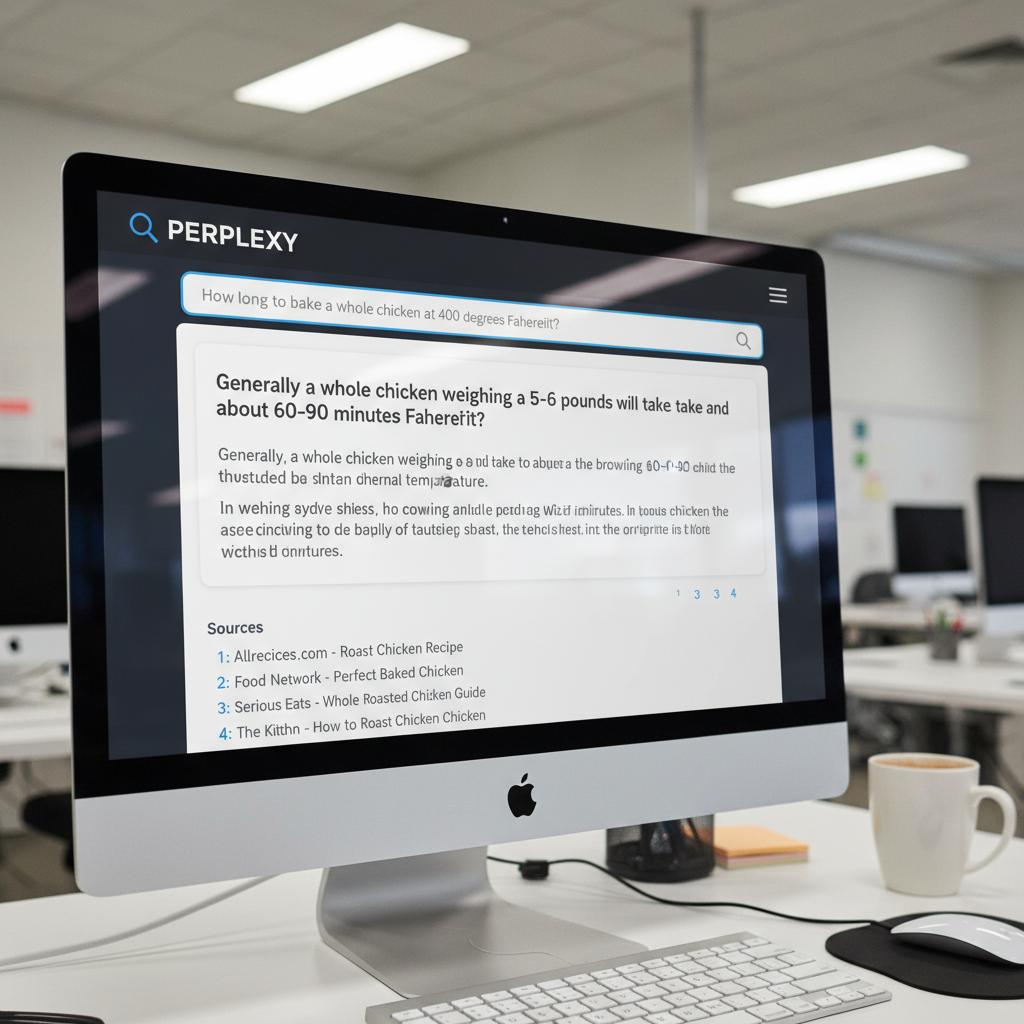
You open your browser in 2026. You search for a simple baked chicken recipe. You hit a wall of ads, pop-ups, and a 2,000-word story about the author’s childhood. You just want the cooking temperature. You just want an answer.
Table of Contents
- ●What exactly is Perplexity AI?
- ●Key concepts you need to know
- ●Step 1: Setting up your account (it’s free)
- ●Step 2: Asking your first question
- ●Step 3: Using focus modes (the secret weapon)
- ●Step 4: Using pro search for deep dives
- ●Step 5: Uploading files and images
- ●Step 6: Organizing research with collections
- ●Step 7: Publishing with perplexity pages
- ●3 real-world examples of using Perplexity
- ●Example 1: Product research
- ●Example 2: Complex health constraints
- ●Example 3: Decoding dense documents
- ●Comparing the giants: Perplexity vs ChatGPT vs Google
- ●Free tier vs Perplexity pro: do you need to pay?
- ●The good
- ●The bad
- ●Important warnings for beginners
- ●Frequently asked questions
- ●Is Perplexity AI completely free?
- ●Does Perplexity steal content from creators?
- ●Can I use Perplexity on my phone?
- ●How is it different from Google’s AI Overviews?
Standard search engines feel broken. You get a list of links. You have to click through pages and manually scrape away the junk. Perplexity AI fixes this problem directly.
It is an answer engine. You ask a question. It reads 20 web pages in two seconds. It writes a single clear answer and links directly to the sources it used.
I recently wrote about how to use AI for everyday tasks. Perplexity is the tool I recommend first to anyone starting out. It removes the learning curve. If you know how to text a friend, you know how to use Perplexity.
Here is exactly how you use Perplexity AI for beginners, step by step.
What exactly is Perplexity AI?
Think of Perplexity as a highly efficient research assistant. It is a text generator bolted onto a live search engine.
You type a prompt into ChatGPT. It relies mostly on the information it learned during its training months ago. You type a prompt into Perplexity. It searches the live internet, reads actual websites, and synthesizes fresh information for you immediately.
The most important feature of Perplexity is its citations. Every claim it makes gets a small footnote number.
Click the number. You go straight to the website where it found that specific fact. This keeps the AI honest. It lets you verify everything.
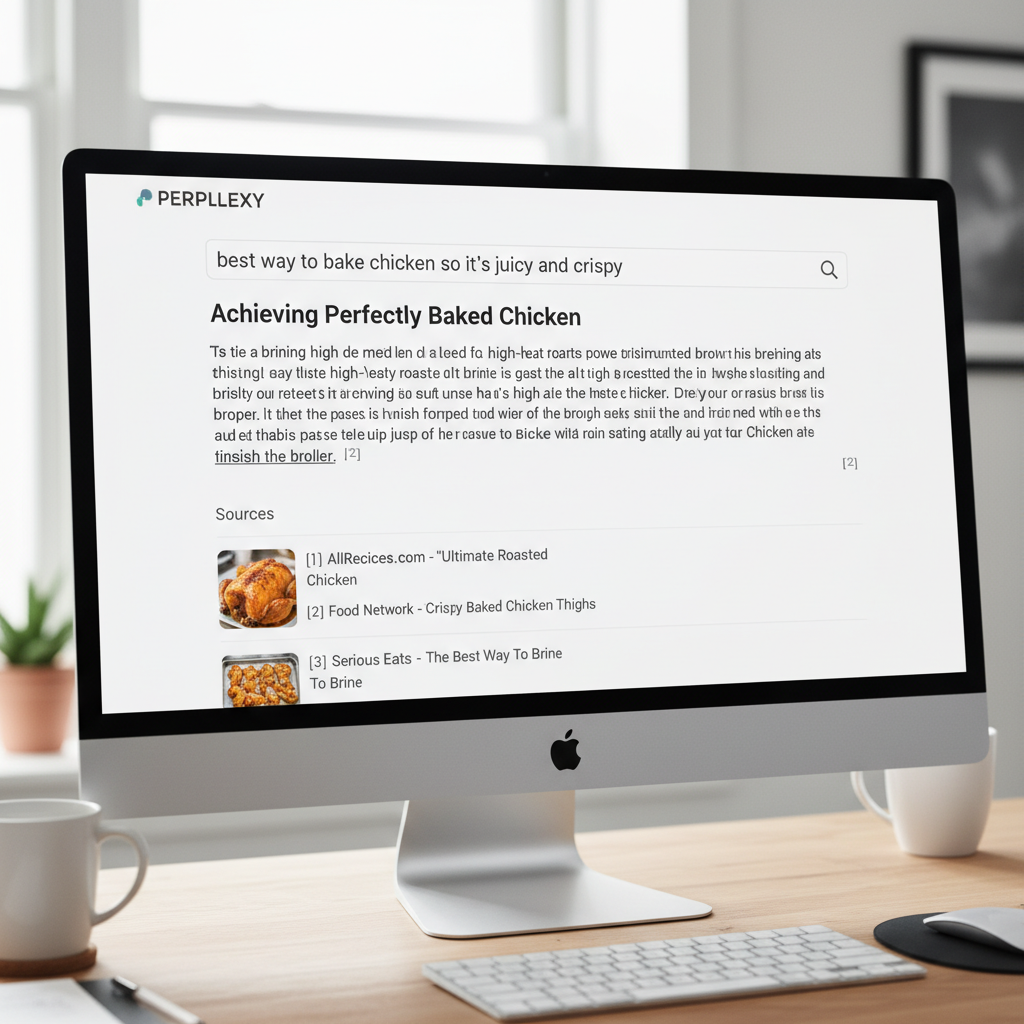
Key concepts you need to know
- Answer Engine: It gives you a direct summary of facts.
- Citations: Small numbers [1], [2] linking to the original source.
- Pro Search: A deeper search mode where the AI asks you follow-up questions to refine its research.
- Focus Modes: Filters that force the AI to only search specific databases like Reddit or academic journals.
Step 1: Setting up your account (it’s free)
You can use Perplexity without an account. Go to their website and start typing. But I highly recommend creating a free account.
An account saves your search history into threads. This lets you pick up a research session days later.
- Go to Perplexity.ai on your computer or download the app from the Apple App Store or Google Play Store.
- Click “Sign Up” in the corner.
- Use your Google or Apple account for a quick login.
Once you log in, you see a clean search bar. No ads. No weather widgets. Just a text box waiting for your instructions.
Step 2: Asking your first question
People type choppy keywords like “best laptops 2026 cheap” into traditional search engines. AI responds better to conversational human language. Speak to it like you are talking to a smart friend at a coffee shop. Give it parameters.
I have a budget of $800. I need a laptop primarily for writing documents, browsing the web, and occasionally editing 1080p video. I want a battery life of at least 10 hours. What are the top 3 options currently available?Press enter. Watch the screen. You see a small “Sources” section populate at the top. These are the websites the AI is currently reading.
Below that, the AI types out a structured answer comparing three laptops. It includes exact prices and battery specifications.
If you need more details, use the follow-up bar at the bottom. You do not need to repeat yourself. You simply type, “Which of those three has the best keyboard?” The AI remembers the context of the conversation.
Step 3: Using focus modes (the secret weapon)
Sometimes the open internet has too much noise. Perplexity includes a “Focus” button inside the search bar. This tells the AI to ignore the general web. It pulls answers strictly from specific databases.
- Reddit focus: Want honest opinions on a brand of running shoes? Select the Reddit focus. The AI only reads Reddit threads to summarize user reviews. It bypasses affiliate marketing blogs entirely.
- Academic focus: Writing a college paper? This mode only searches scientific journals and Google Scholar. It reads peer-reviewed abstracts and tells you exactly what the science says.
- YouTube focus: Want a summary of a video tutorial? Select YouTube. The AI reads the transcripts of relevant videos to give you the answer. You get the exact instructions without watching a 20-minute intro.
- Wolfram Alpha focus: Need to solve a complex math problem or calculate nutritional data? Select this focus. The AI bolts your question to a computational engine. It calculates the exact macros in a 400g sweet potato.
- Writing focus: Disconnect the AI from the web completely. Use its internal memory to draft an email, write a Python script, or brainstorm blog post titles.
Focus modes save hours of manual digging. I use the Reddit focus daily when researching software tools.
Step 4: Using pro search for deep dives
On the right side of the search bar, you see a toggle switch labeled “Pro.” Turning this on activates Pro Search. Free accounts get five Pro searches every four hours.
When you use Pro Search, the AI pauses before answering. It asks you a clarifying question.
If you search “Plan a trip to Japan,” the AI stops and asks you: “How many days are you staying?” and “What is your budget per day?”
You select your answers from multiple-choice buttons. The AI then writes a highly personalized itinerary based on your exact parameters. It is an active participant in your research.
Pro Search chains multiple queries together. A standard search runs once. Pro Search runs a query, reads the results, realizes it needs more context, and runs three more queries automatically. It digs through layers of information to build a complete answer.

Step 5: Uploading files and images
Click the small “+” icon or paperclip icon in the search bar to upload files. You can attach PDF documents, CSV spreadsheets, text files, and images. Perplexity reads the document and answers questions about it.
You upload a 50-page PDF manual for your new refrigerator. You type: “Why is my ice maker making a clicking sound?” The AI reads the manual, finds the exact troubleshooting section, and gives you the answer. You skip hitting Ctrl+F and guessing keywords.
You can upload a CSV file containing your monthly expenses. You type, “Categorize these transactions and tell me how much I spent on dining out.” The AI parses the spreadsheet rows, adds up the restaurant bills, and gives you an exact dollar amount.
You can also upload a photo of a bug you found in your garden. Ask, “Is this dangerous to my tomato plants?” The AI analyzes the image, identifies the insect as a hornworm, and searches the web for removal advice.
Step 6: Organizing research with collections
As you use Perplexity, your search history fills up quickly. Perplexity solves this with Collections. Collections act like folders for your research threads.
I have a Collection named “Meal Planning”. Every time I ask the AI for a high-protein dinner recipe, I save that thread into the Collection. I have another Collection named “Tax Research 2026” for saving specific financial queries.
You can set a custom prompt for an entire Collection. I set my “Meal Planning” Collection to always assume I am cooking for two people and avoiding dairy. Any search I start inside that Collection automatically applies those rules. I never type those constraints again.
You can share a Collection with a friend. Send them the link. They can read all your saved research and add their own searches to the folder.
Step 7: Publishing with perplexity pages
Perplexity recently introduced a feature called Pages. It turns your raw research into a formatted article.
You research a topic like the history of mechanical keyboards. You ask a dozen questions. You gather facts about switch types and keycap materials.
You click the “Convert to Page” button. The AI takes all the facts from your research thread. It writes a structured, readable article complete with headers, bullet points, and images. It keeps all the footnotes intact.
You can publish this Page directly to the web. Perplexity gives you a public link. You send this link to colleagues or post it on social media. It turns a messy research session into a clean document.
3 real-world examples of using Perplexity
Example 1: Product research
You need a new vacuum cleaner. You search traditional engines and find 10 affiliate marketing blogs. They all rank the same vacuum number one because it pays the highest commission.
You open Perplexity. You type, “What is the best cordless vacuum for hardwood floors under $300? Focus only on Reddit reviews from the past 6 months.”
Perplexity reads dozens of threads in r/VacuumCleaners. It pulls actual user experiences. It tells you which model has a battery that dies after two months. It gives you a consensus pick from real humans. You save three hours of reading.
Example 2: Complex health constraints
You invite friends over for dinner. One has Celiac disease. Another is allergic to tree nuts. You need a dessert recipe.
You type, “Give me a recipe for a chocolate dessert. It must be gluten-free and tree-nut-free. Do not use almond flour. Include a shopping list with exact measurements.”
The AI scans cooking blogs. It cross-references ingredients. It generates a safe, specific recipe for a flourless chocolate cake using cocoa powder and butter. It lists your groceries. You go to the store with confidence.
Example 3: Decoding dense documents
Your local city council releases a 40-page zoning proposal. You do not have time to read legal jargon.
You upload the PDF to Perplexity. You type, “Summarize this zoning proposal. Will this affect residential property taxes in District 4? Quote the exact page numbers.”
The AI reads the document. It finds the specific tax clauses. It explains them in plain English. It points you to page 22 for verification. You understand the local politics in two minutes.
Comparing the giants: Perplexity vs ChatGPT vs Google
Many beginners ask me which tool they should use. I explored this in depth in my post comparing ChatGPT vs Claude in 2026. Here is a simple breakdown focused purely on search.
| Feature | Perplexity AI | ChatGPT (Free) | Google Search |
|---|---|---|---|
| Primary Use Case | Research & Fact Finding | Writing & Brainstorming | Finding specific websites |
| Live Web Access | Yes, built-in | Yes, but slower | Yes, raw links |
| Citations | Clear, numbered footnotes | Occasional links | N/A (Just links) |
| Ads | None currently | None | Heavy |
If you want to write a poem or draft an email, use ChatGPT. If you want to know what happened in the news today or compare product specs, use Perplexity.
You must learn how to search with natural language. You can read about these automated agents in my guide on Google Jarvis AI 2026.
Free tier vs Perplexity pro: do you need to pay?
The free version of Perplexity handles basic needs. It gives you unlimited quick searches and five Pro searches every four hours.
Perplexity Pro costs $20 per month. The main benefit of Pro is choosing the specific AI model powering your search. You switch the underlying AI to OpenAI’s GPT-4o or Anthropic’s Claude 3.5 Sonnet.
I frequently use the Claude integration. I rely on the Claude AI skills I developed for detailed coding and writing tasks alongside my web research.
Pro users also get unlimited file uploads and access to an image generation tool. You ask the AI to generate a graphic to accompany your research. It produces a custom image on the spot.
The good
- Saves massive amounts of reading time.
- Direct citations let you verify facts instantly.
- Focus modes cut out SEO spam and unhelpful websites.
- The mobile app is fast and supports voice dictation.
The bad
- It sometimes hallucinates or misreads the source text.
- It struggles with highly technical niche coding problems compared to pure Claude or ChatGPT.
- Some news websites block the AI from reading their articles.
Important warnings for beginners
You must always double-check the citations when researching high-stakes topics. AI tools summarize information. They lack human reasoning.
If you are researching a medical symptom, verify the citation leads to a reputable source like the Nature Journal or a verified hospital website. Do not trust a random forum post. Never make financial, medical, or legal decisions based solely on an AI summary.
Avoid entering highly sensitive personal information into any AI search engine. Keep your social security numbers and confidential corporate data out of the prompt box.
Frequently asked questions
Is Perplexity AI completely free?
Yes. The core search engine is entirely free. You can search the web and get answers without paying. The paid Pro version gives you access to deeper analysis and different AI models.
Does Perplexity steal content from creators?
Perplexity reads public websites to generate summaries. It provides direct links back to those sites. The debate over AI scraping is ongoing. Perplexity cites its sources to drive traffic back to the original creators.
Can I use Perplexity on my phone?
Yes. They have dedicated apps for both iOS and Android. The mobile app has an excellent voice search feature. You can ask questions naturally while walking or driving.
How is it different from Google’s AI Overviews?
Google inserts a brief AI summary at the top of a traditional search page. Google still wants you to scroll down and click ads. Perplexity removes the traditional search page entirely. The AI answer is the entire product. It provides a cleaner, ad-free experience.
Perplexity AI is the fastest way to upgrade your internet experience. You can stop digging through pages of sponsored results. You can ask direct questions, verify the citations, and get your time back.
Run your next five internet searches through Perplexity. See the difference yourself.
Try Perplexity AI for free today

Written by Mangaleswaran
Mangaleswaran is the founder of AIZnap (aiznap.com) and a dedicated AI content creator. With a background in blogging and technology, he has a deep passion for making artificial intelligence accessible to everyone. He specializes in breaking down complex AI tools, tutorials, and updates into simple, practical guides that anyone can follow. Whether you are a complete beginner or someone looking to use AI to build websites, apps, or grow your online presence — Mangaleswaran's content is designed to help you take action with confidence.
View all posts