
You probably hit an API limit this week. Or maybe you looked at your OpenAI bill and winced. Running AI coding agents in the cloud costs real money.
Table of Contents
- ●What you will learn
- ●What is Gemma Chat?
- ●Hardware requirements
- ●Why local models matter now
- ●How to install Gemma 4 on your Mac
- ●Step 0: prepare your environment
- ●Step 1: clone the repository and install dependencies
- ●Step 2: launch the development server
- ●Step 3: choose your model size
- ●Building applications offline
- ●How build mode works
- ●How chat mode works
- ●How to test your local coding agent
- ●1. The single file web app test
- ●2. The system tool test
- ●3. The bash command execution
- ●Pros and cons of local coding agents
- ●Pros
- ●Cons
- ●Frequently asked questions
- ●Can I run Gemma Chat on a Windows PC?
- ●Do I need to pay a licensing fee for Gemma 4?
- ●How do I package this application for a friend?
- ●Start coding locally
Every line of code deducts fractions of a cent from your account. Those fractions add up.
But you can bring that computing power directly to your physical desk. Google just established a local strategy with its open-weights models. You can run a full coding agent entirely offline on your Mac using Gemma Chat.
You ask it to build a React application or change a button color 50 times. Your wallet stays shut. Local models eliminate latency caused by server lag. You get instant text generation.
What you will learn
- Process code locally on Apple Silicon.
- Install the application and model weights.
- Use Build Mode to preview custom web applications.
- Execute system commands directly from the chat interface.
What is Gemma Chat?
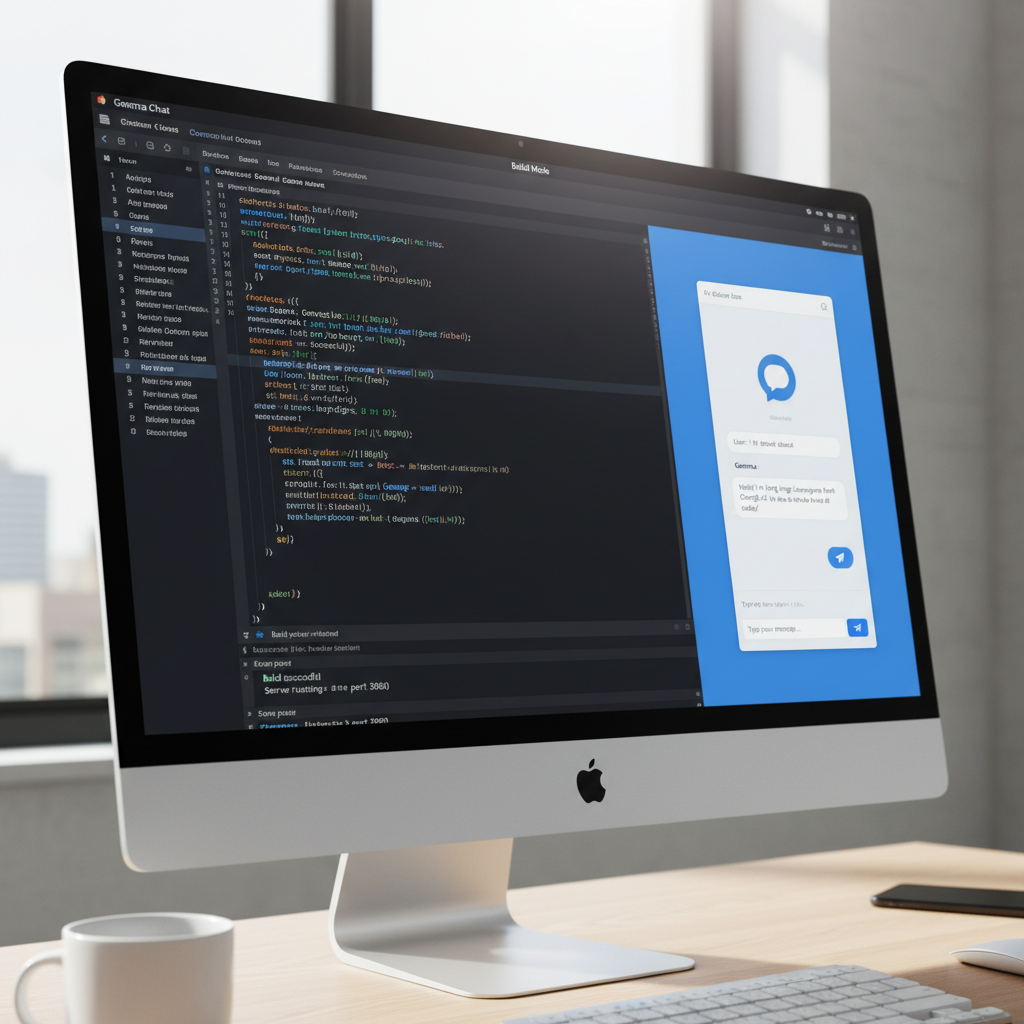
Gemma Chat is an Electron desktop application. It runs the Gemma 4 model directly on your machine. The developer built the front end using Vite, React 19, TypeScript, and Tailwind CSS.
The application runs on Apple’s MLX framework. This software library compiles machine learning models to run natively on Apple silicon chips.
The app taps directly into your Mac’s unified memory. This architecture generates text and code fast.
Gemma Chat is an autonomous AI agent. It plans out file structures, writes code, and tests the output without an active server connection.
Your code files remain private. The application never sends your intellectual property to a third-party server.
Hardware requirements
| Component | Requirement |
|---|---|
| Processor | Apple M1, M2, M3, or M4 chip |
| Unified memory | 8GB minimum (16GB+ recommended) |
| Storage | 5GB to 15GB free space (depends on model selection) |
Why local models matter now
Cloud infrastructure dominated artificial intelligence for years. You paid a monthly subscription, connected to a distant server, and waited for code generation.
You couldn’t work on an airplane or during an internet outage. You couldn’t feed sensitive company data into the system without violating security policies.
Lightweight, local models shift this dynamic. Google proved you don’t need 1 trillion parameters to write basic JavaScript functions. You just need a specialized model running close to the metal.
Apple unified memory shares RAM between the CPU and GPU. A 16GB M1 Mac can allocate large chunks of memory directly to VRAM for model execution. This hardware advantage explains why Macs run local AI effectively.
How to install Gemma 4 on your Mac
Installation requires basic terminal usage. The application handles the rest.
It configures the Python virtual environments and downloads the model weights. You never manually route folders.
Step 0: prepare your environment
You need Node.js and Python 3 installed on your Mac. The application requires npm to fetch web packages. It requires Python to run the MLX machine learning library.
Open your terminal. Type node -v and press enter. Type python3 -v and press enter. If you see version numbers, proceed.
Step 1: clone the repository and install dependencies
Clone the open-source repository directly from GitHub. Run these commands in your terminal window:
git clone https://github.com/ammaarreshi/gemma-chat.git
cd gemma-chat
npm install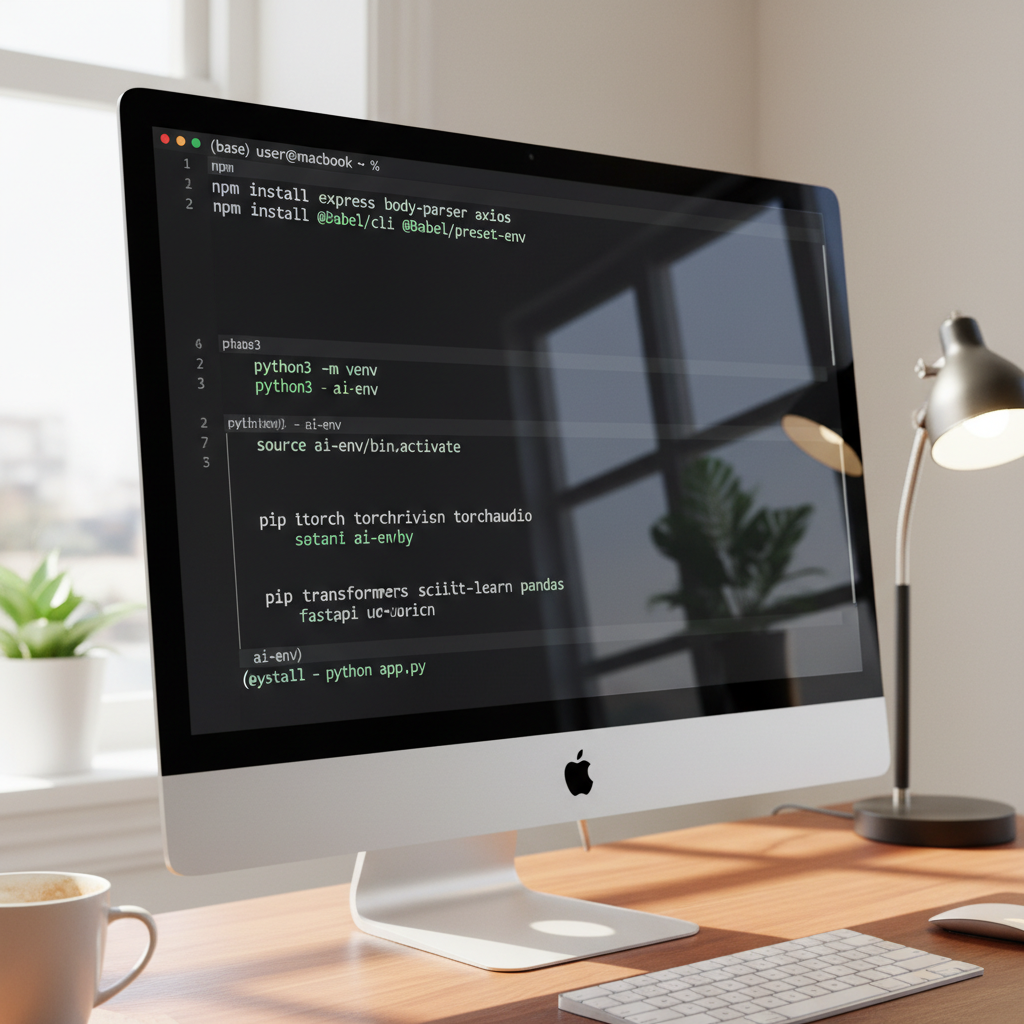
Step 2: launch the development server
After installing the Node dependencies, start the application.
npm run devThe initial boot sequence triggers an automated setup script. The app detects your Python path and builds a virtual environment for MLX.
It installs the mlx-lm package. Then it downloads the Gemma 4 model weights directly to your hard drive. This download takes a few minutes.
Step 3: choose your model size
The application offers 4 parameter configurations based on the Gemma 4 architecture. If you use an older M1 Mac with 8GB of RAM, select the smaller 2B model.
It takes up about 1.5 GB of disk space and generates code tokens quickly.
If you own an M3 Max or an M4 Pro with 36GB of unified memory, load the heavier models. Larger models write better logic but consume more system resources. Start small, test the speed, and scale up.
Building applications offline
Once you open the desktop app, you see 2 distinct environments: Build Mode and Chat Mode.
How build mode works
Build mode turns the system into a software engineering assistant. You give it a text prompt, and it writes files directly to your hard drive.
It creates a sandboxed folder for your new project.
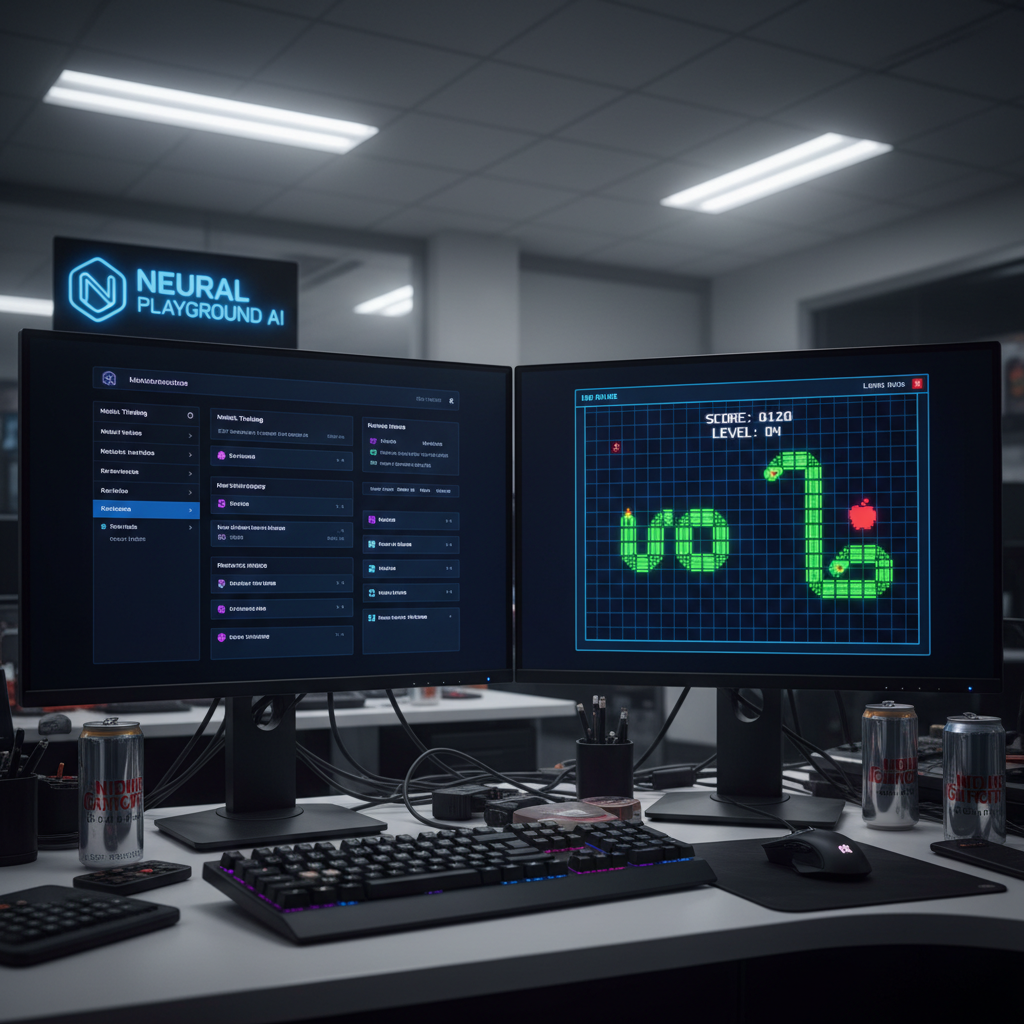
Build me a retro snake game with arrow key controls and a green score counter at the top. Use a dark theme. Keep the HTML, CSS, and JS in separate files.As the model generates the markup and logic, you watch the application assemble on the screen.
It flushes partial file writes to your physical disk every 450 milliseconds. The preview iframe on the right side of your screen updates constantly while the AI types.
How chat mode works
Chat mode resembles a standard conversational interface, but it includes system tools. The model performs live web searches, executes bash commands, and runs a calculator.
If you ask it to search the web for documentation, it requires a Wi-Fi connection. The thinking process remains local.
Each message you send triggers up to 40 rounds of the internal agent loop.
The model writes a file and checks the output. If it spots a syntax error, it edits the file. It runs a terminal command to verify and repeats this process continuously.
The app supports private voice input using the Whisper transcription model. The developer implemented this using transformers.js running via WebAssembly in your browser window.
The transcription executes purely on your hardware. Your voice files never transmit to an external server.
How to test your local coding agent
Once the installation finishes, test the software boundaries. Smaller local models fail differently than large server models like GPT-4. You must learn how to guide them.
1. The single file web app test
Start with a simple, self-contained project. Ask the agent to build a Pomodoro timer and place the HTML, CSS, and JavaScript into separate files.
Watch how it links the styling and the timer logic. The live preview reloads repeatedly as it adjusts the CSS margins and timer functions.
2. The system tool test
Switch over to Chat Mode. Ask it to fetch the latest news about Google from the web, read the results, and summarize the text.
This forces the model to engage its web search tool. Next, ask it to calculate a complex math equation to trigger the calculator module.
3. The bash command execution
Instruct the AI to create a new folder on your desktop called ‘test_project’ and generate 5 empty text files inside it. The agent formulates the exact terminal commands and executes them.
Do not give the AI destructive commands. Never ask it to delete directories until you understand how it operates.
Pros and cons of local coding agents
Running code generators locally brings privacy benefits, but hardware limitations create boundaries for developers.
Pros
- 100% free with no monthly subscription fees.
- Works offline in build mode without a network connection.
- Total privacy and security for your codebase.
- Instant local voice transcription via the Whisper model.
Cons
- Requires Apple Silicon hardware.
- Smaller 2B models lack the deep reasoning of cloud models.
- Consumes heavy system RAM during operation.
If you want to understand how this local system compares to server alternatives, read our breakdown of the latest autonomous AI agents. Cloud operations handle complex logic better, but they cost more.
Frequently asked questions
Can I run Gemma Chat on a Windows PC?
No. Gemma Chat uses Apple’s MLX framework to execute the models.
This software framework targets Apple Silicon chips. You need an M-series Mac to run this application.
Do I need to pay a licensing fee for Gemma 4?
No. Gemma 4 is an open-weights model provided free by Google. The Gemma Chat desktop app is open-source.
You pay nothing to download the code, install the models, or generate software.
How do I package this application for a friend?
If you want to share the app with someone who hates terminal commands, compile it. Run npm run dist in your terminal window.
This command builds a signed DMG file. Your friend drags that single file into their Mac Applications folder to install it.
Start coding locally
You stop monitoring API dashboards. You ignore token limits entirely. You open your Mac laptop, describe what you want to build, and let the agent work.
To explore what this application does, review the features required for modern developer tools. You can also compare this offline system to cloud-dependent models like Google Jarvis AI.

Written by Mangaleswaran
Mangaleswaran is the founder of AIZnap (aiznap.com) and a dedicated AI content creator. With a background in blogging and technology, he has a deep passion for making artificial intelligence accessible to everyone. He specializes in breaking down complex AI tools, tutorials, and updates into simple, practical guides that anyone can follow. Whether you are a complete beginner or someone looking to use AI to build websites, apps, or grow your online presence — Mangaleswaran's content is designed to help you take action with confidence.
View all posts
1 thought on “How to Run Gemma 4 Locally on Mac Using Gemma Chat”