

You built an entire web application using Cursor and Claude 3.7. You prompted your way through the logic. You fixed the bugs via chat.
Table of Contents
- ●What is vibe coding?
- ●Why Dokploy beats traditional hosting for AI apps
- ●The deployment tech stack
- ●Step 1: Get your server and install the platform
- ●Manual installation command
- ●Step 2: Connect your GitHub account
- ●Step 3: Deploy your AI project
- ●Step 4: Manage environment variables
- ●Step 5: Add a custom domain and secure it
- ●Step 6: Spin up a database
- ●Comparing deployment options for 2026
- ●Pros and cons of self-hosting AI apps
- ●The good
- ●The bad
- ●Automating the entire pipeline
- ●Troubleshooting common errors
- ●Things to remember
- ●Frequently asked questions
- ●Can I deploy Python AI backends with this?
- ●What happens if my server restarts?
- ●Do I need to know Linux commands?
- ●Is Dokploy completely free?
- ●Start shipping your projects
Now you have a fully functional project sitting on your localhost.
But how do you actually put it on the internet?
Most developers hit a massive wall here in 2026. You write code by talking to an AI model. But deploying it still requires complex terminal commands or expensive hosting bills.
You can bypass this. You just need Dokploy and a $5 virtual private server to get your AI application live in under 10 minutes.
What is vibe coding?
Vibe coding is the process of building software using natural language. You describe what you want in plain English, and an AI agent writes the actual code.
Tools like Cursor and Windsurf made this standard practice. You can build complex software platforms without knowing how React or Python works under the hood.
The problem happens when you finish. AI excels at writing local scripts. But it struggles to navigate server administration and DNS records.
Why Dokploy beats traditional hosting for AI apps
Platforms like Vercel and Render are popular for a reason. But they get expensive once you leave the free tier.
AI applications often require heavy background processing. If your app connects to an external API or runs long data queries, serverless platforms hit you with timeout errors or massive bandwidth fees.
Dokploy is a free, open-source alternative. Think of it as your own personal Heroku. You rent a cheap server for $5 a month and install Dokploy.
You host as many apps as your physical server can handle for a flat rate.
The deployment tech stack
Before we start, you need a few things ready.
- An AI coding assistant to generate your project.
- A GitHub account to store your code.
- A VPS provider like Hostinger or Hetzner.
- Dokploy for the deployment engine.
We will wire these pieces together into an automated pipeline.

Step 1: Get your server and install the platform
To host an app, you need a computer that stays on constantly. That is a virtual private server (VPS).
Hostinger offers a solid starting point. They include a 1-click Dokploy installation template right inside their dashboard.
You buy the server, select the template, and the software configures itself. You skip the terminal entirely.
If you use a bare Linux server from Hetzner, installing Dokploy requires exactly 1 command. You open your terminal on Mac or Putty on Windows.
You log into your server via SSH and paste the installation script.
Manual installation command
Run this exact command as root on your VPS to install the platform:
curl -sSL https://dokploy.com/install.sh | sh
Step 2: Connect your GitHub account
Your AI wrote the code. You pushed it to a private GitHub repository. Now the deployment server needs permission to access it.
Open your Dokploy admin panel and navigate to the settings tab. Select GitHub.
Click the button to create a new GitHub App. This grants read access to your repositories.
This connection matters. If you rely on autonomous AI agents to write and push code, this webhook pushes every update live instantly.
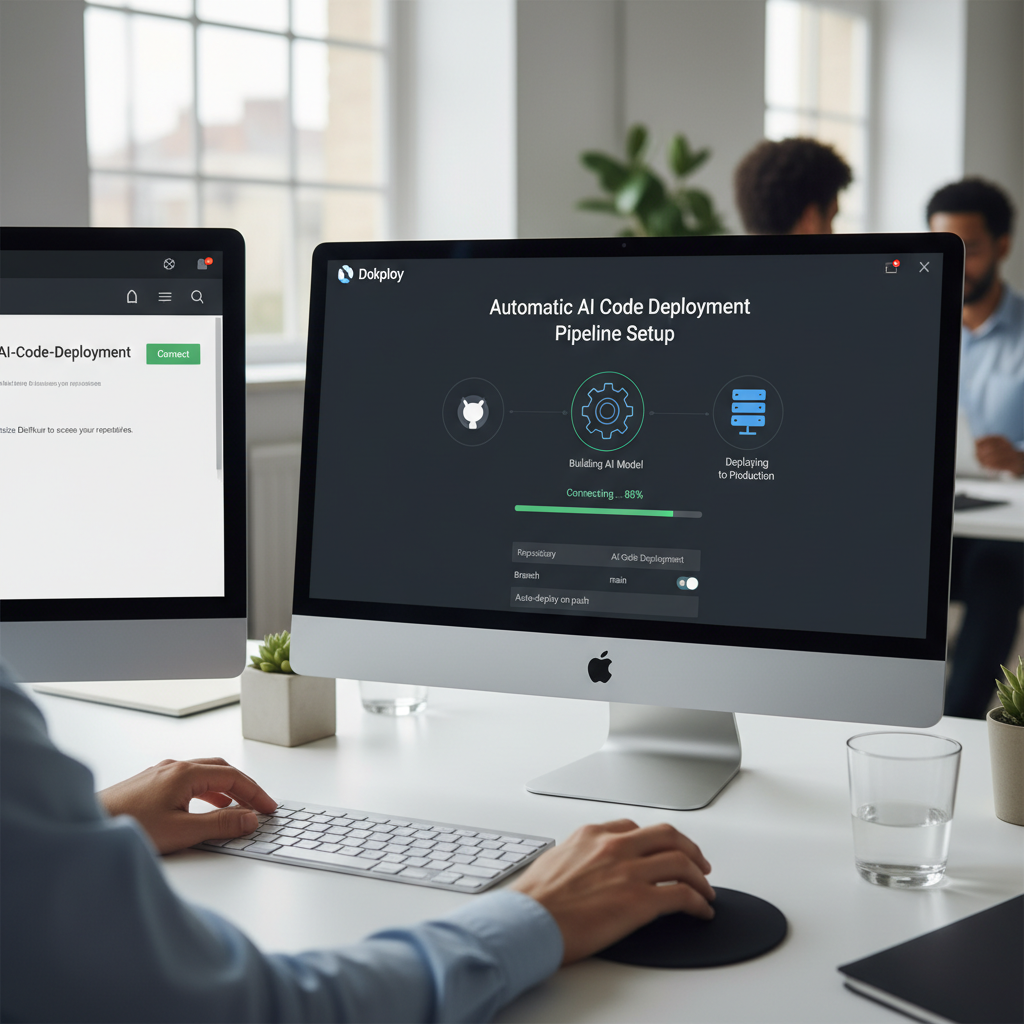
Step 3: Deploy your AI project
Go to the Applications tab. Click Create Application.
Select your repository from the dropdown menu and choose your main branch.
Dokploy detects your framework. Whether your AI built a Next.js frontend or a Python backend to interface with Gemma 4 locally, the system knows how to build it.
Click Deploy. You will see the build logs scrolling down your screen.
The server installs your dependencies and builds the application. When it finishes, your project goes live on a temporary URL.
Step 4: Manage environment variables
AI apps rely heavily on API keys. You probably have an OpenAI or Anthropic key powering your core features.
Never commit these keys to GitHub. Security bots will scrape them and drain your account balance.
Use environment variables instead. In Dokploy, go to your application settings and click on Environment.
Paste your .env file contents directly into the text box. Save the settings and click Deploy again.
The server injects your keys at runtime.
Step 5: Add a custom domain and secure it
Temporary URLs look terrible. You want your application on a real domain name.
Open your domain registrar and find your DNS settings. Create an A-record pointing to your server’s IP address.
Back in Dokploy, go to the Domains section. Click Add Domain and type in your custom domain.
Check the box that says Enable HTTPS. Select the Let’s Encrypt option and click Save.
The server provisions a free SSL certificate. Your app now has a secure connection.
Step 6: Spin up a database
Most real-world applications need a database to store user information or chat logs. Dokploy handles databases natively.
Go to the Databases tab and click Create Database. You can choose PostgreSQL, MySQL, MongoDB, or Redis.
Give it a name and generate a password. Dokploy spins up an isolated database container right on your server.
It provides an internal connection string. Copy that string and paste it into your application’s environment variables.
Your AI-generated code can now read and write data.
Comparing deployment options for 2026
You have choices when pushing code live. Here’s how Dokploy stacks up against the big names.
| Feature | Dokploy (VPS) | Vercel | Render |
|---|---|---|---|
| Cost | Flat rate ($5/mo) | Scales with usage | Scales with usage |
| Background Tasks | Unlimited | Timeout limits | Expensive compute |
| Database Hosting | Included free | Third-party required | Paid add-on |
| Setup Difficulty | Medium | Low | Low |
Pros and cons of self-hosting AI apps
Running your own server gives you total control. But it does come with trade-offs.
The good
- You dodge massive bandwidth fees if your app goes viral.
- You can host unlimited applications on a single server.
- No vendor lock-in or proprietary configurations.
- Free automated SSL certificates out of the box.
The bad
- You are responsible for upgrading your server hardware.
- No automatic global edge network for fast static asset loading.
- Requires basic terminal knowledge if the Docker engine crashes.
Automating the entire pipeline
This setup cuts the manual labor out of your workflow. You can open Cursor, ask it to build a feature, and let it push the commit to GitHub.
Dokploy sees that commit. It pulls the fresh code, rebuilds the application, and swaps the containers.
You never have to manually drag files via FTP again.
You can even bolt this onto tools like Google Jarvis AI to test your live site.
If something breaks, an agent flags the issue, prompts Cursor to write a fix, and pushes the patch.
Troubleshooting common errors
Sometimes builds fail. This usually happens for 2 specific reasons.
First, your AI assistant forgot to include a dependency in your package.json or requirements.txt file.
Check the deployment logs. If you see a “module not found” error, tell your AI to fix the dependencies and push again.
Second, you ran out of server memory. If you build a massive Next.js app on a server with only 1GB of RAM, the build process crashes.
You fix this by upgrading your VPS or adding a swap file to your Linux machine.
Things to remember
- Always point your domain’s A-record to the server IP before requesting an SSL certificate.
- Never commit your API keys. Use the environment variables tab inside Dokploy.
- Choose a server location close to your target audience to reduce latency.
Frequently asked questions
Can I deploy Python AI backends with this?
Yes. Dokploy supports Docker natively.
If your AI assistant writes a FastAPI backend using Python, ask it to generate a simple Dockerfile. Dokploy reads that file and deploys the container.
What happens if my server restarts?
Dokploy configures Docker to restart all your containers automatically.
If your VPS provider reboots your machine for maintenance, your applications boot back up exactly as you left them.
Do I need to know Linux commands?
Only 1. You copy and paste the installation script.
After that, you handle everything through a clean web interface.
Is Dokploy completely free?
The software is open source and free. You only pay the hosting company for the physical server resources.
Start shipping your projects
Vibe coding lets you build software fast. Dokploy lets you host it cheap.
Rent a cheap server and run the installation script. Connect your GitHub account.
You’ll never worry about complex deployment pipelines again.
Need help with your AI strategy? Contact us

Written by Mangaleswaran
Mangaleswaran is the founder of AIZnap (aiznap.com) and a dedicated AI content creator. With a background in blogging and technology, he has a deep passion for making artificial intelligence accessible to everyone. He specializes in breaking down complex AI tools, tutorials, and updates into simple, practical guides that anyone can follow. Whether you are a complete beginner or someone looking to use AI to build websites, apps, or grow your online presence — Mangaleswaran's content is designed to help you take action with confidence.
View all posts