
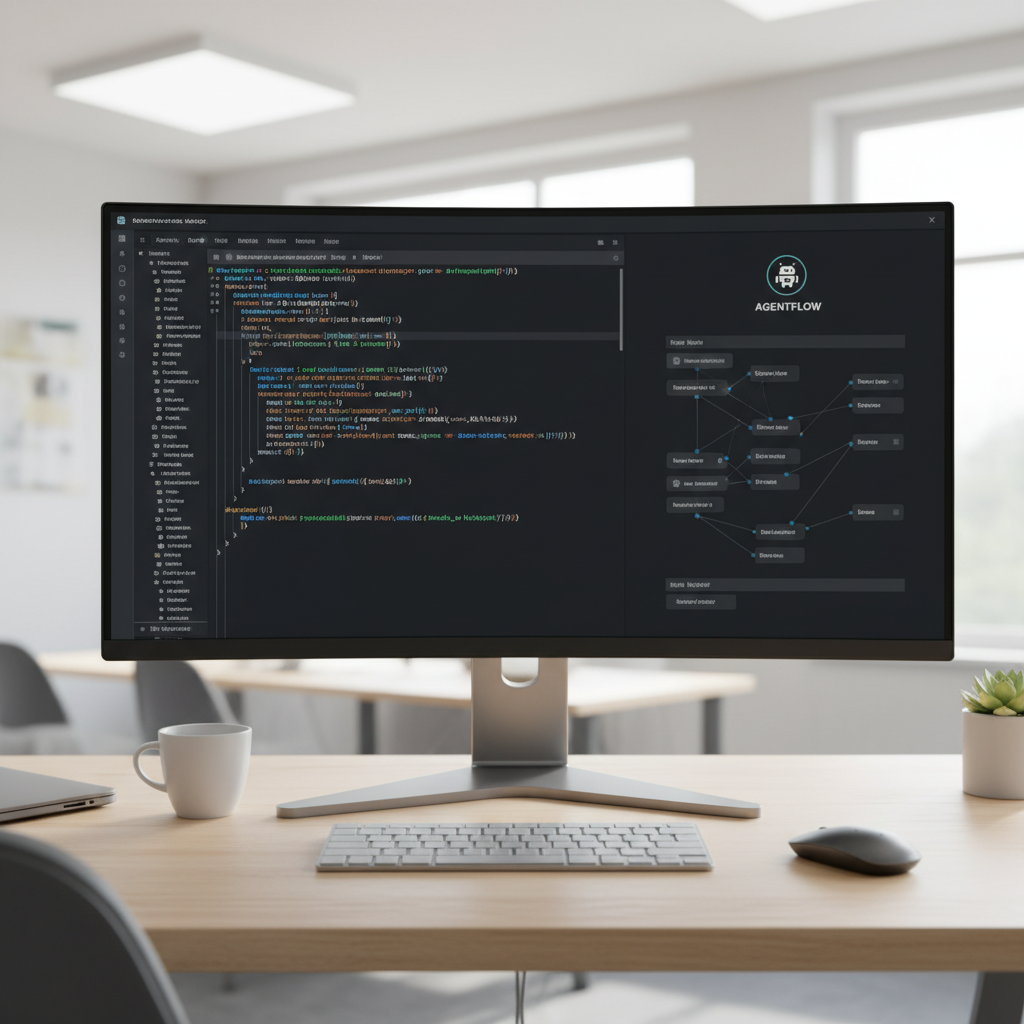
Desktop AI agents hit a hard wall early this year. Anthropic released Claude Co-work, and it shifted expectations for what a local agent could achieve. You pointed the tool at a folder, handed it a messy prompt, and it organized spreadsheets and edited documents. It clicked through your Mac like a human assistant.
Table of Contents
- ●The brains: Why OpenCode dominates
- ●The visual layer: Enter Aion UI
- ●Aion UI vs Claude Co-work
- ●Step 1: Installing the core dependencies
- ●Step 2: Configuring assistants and skills
- ●Step 3: Building an expense tracker
- ●Running parallel agents
- ●Version history and remote control
- ●Pros
- ●Cons
- ●Connecting local privacy models
- ●Final verdict
- ●Frequently asked questions
- ●Does Aion UI work with OpenAI models?
- ●Is OpenCode actually free?
- ●Can Aion UI format complex Word documents?
- ●What happens if the agent deletes my files?
- ●How do I track my API costs?
- ●Does Aion UI read my screen?
But the cost is massive. You need a Claude Max plan to run Co-work seriously. That sets you back $100 a month. Agentic tasks chew through tokens fast.
Users on the heavy $200 tiers frequently report a single complex prompt eating 10% of their entire monthly quota. You are also entirely locked into the Anthropic ecosystem. You have no option to swap in a cheaper model for simple tasks. You cannot run a local model for privacy.
We need a free Claude Co-work alternative. The open-source community built exactly that by combining 2 specific tools: OpenCode and Aion UI.
This stack gives you visual file editing, scheduled cron jobs, and mobile remote control without the monthly subscription fees. You only pay raw API costs. You can route simple jobs to free local models.
The brains: Why OpenCode dominates
OpenCode is an open-source coding agent built by the SST development team. It holds over 165,000 stars on GitHub and processes tasks for millions of developers. It runs directly on your machine. You bring your own API key from Anthropic, OpenAI, Google, or a local provider.
The software is issued under the MIT license. It handles planning features, refactoring messy files, undoing syntax errors, and running native shell commands.
The main friction point for normal users is the interface. OpenCode lives entirely in the command line. You type commands into a black box and hope the output matches your intent. For developers who live in bash environments, this works. For anyone else, working through a text terminal is exhausting.
Let us look at the actual mechanics. OpenCode connects to your file system through a secure node wrapper. It reads your directory structure, builds an index of your files, and maps out dependencies.
When you ask it to change a React component, it never guesses. It scans the imports, locates the CSS modules, and edits all 3 files simultaneously. It uses physical abstract syntax trees to parse code blocks.
The visual layer: Enter Aion UI
Aion UI takes OpenCode out of the terminal. It is a free desktop application built under the Apache license that acts as a visual wrapper for command-line agents. It currently has over 26,000 GitHub stars. It works across Mac, Windows, and Linux.
When you open Aion UI, it scans your system and auto-detects installed coding agents. It supports over 20 different backends, including Open Claw, Hermes Agent, Code X, Gemini CLI, and OpenCode.
You select your agent, and Aion UI gives it a clean, controllable window. You see every file it touches. You preview results live. You manage file permissions with clickable toggles instead of typing bash flags.
Aion UI bolts a graphical dashboard onto raw terminal outputs. It intercepts standard output streams from the agent and translates them into UI components. If OpenCode outputs a markdown table, Aion UI renders a clickable grid. If the agent throws a Python traceback error, the UI highlights the exact line in red.

Aion UI vs Claude Co-work
Before installing anything, we should look at exactly how this free stack compares to the paid Anthropic version.
| Feature | Claude Co-work | Aion UI + OpenCode |
|---|---|---|
| Cost | $100/mo minimum | Free (Pay per API token) |
| Model Choice | Claude models only | Any API or Local model |
| OS Support | macOS only | Mac, Windows, Linux |
| Live File Previews | Yes | Yes |
| Parallel Sessions | Limited | Unlimited |
Step 1: Installing the core dependencies
You need a machine running macOS 10.5 or higher. The software requires roughly 4 GB of available memory and 500 MB of free hard drive space. I highly recommend running this on a Mac.
Windows works fine with WSL. We will use Homebrew for the fastest installation. Open your Mac terminal. Install OpenCode first.
Aion UI needs to find the agent binary already sitting on your system during its initial boot sequence. If you want to use Anthropic models through the API, read our guide on how to configure Claude API keys properly.
brew install opencodebrew install --cask aion-uiIf you prefer manual installation, visit the Aion UI releases page on GitHub. Scroll to the assets section. Download the .dmg file for Mac or the .exe for Windows.
Read the file name carefully. Many users accidentally download the ARM64 build for an Intel Mac. This causes immediate crash loops on startup.
Let us fix the common path error. Sometimes Aion UI boots up and says “Agent Not Found”. This happens because Homebrew installs binaries in a specific directory.
Homebrew uses /opt/homebrew/bin/ on newer Macs. Aion UI checks /usr/local/bin/ by default. You fix this by symlinking the binary.
Open your terminal and run ln -s /opt/homebrew/bin/opencode /usr/local/bin/opencode. Close Aion UI and reopen it. The agent will connect immediately.
Step 2: Configuring assistants and skills
Open Aion UI. You land on a clean home screen. The top row displays agent icons. Click the OpenCode icon to set it as your active engine.
Click the settings gear to add your API keys. You can paste keys from OpenAI, Anthropic, or Google Gemini directly into the model page.
Aion UI ships with 20 pre-built assistants. These are specific profiles that combine OpenCode with custom instructions. You get a PPT creator, a Word document formatter, an Excel macro builder, and an academic paper researcher.
Every assistant is just a markdown file under the hood. You can click “Edit” on any assistant to change its core prompt.
Skills operate in 3 specific layers. The built-in skills ship with the app. Custom skills are bash scripts you write yourself. Extension skills are third-party tools you download from the community hub.
I regularly build custom skills to automate my specific workflow. A custom skill requires a JSON config file and a bash script.
I wrote a script named compress_images.sh that calls ImageMagick to resize PNGs. I dropped the script into the ~/.aion/skills/ directory.
I then updated my Aion UI prompt: “Run the compress skill on the assets folder.” The agent maps the request to the script, passes the folder path as an argument, and executes it. You can bolt on any CLI tool using this method.
You pipe FFmpeg for video editing, pandoc for document conversion, or curl for API scraping right into the agent’s brain. Adding a new skill takes seconds.
Let us build another skill. You want the agent to deploy your website automatically. You write a script named deploy_site.sh.
You map it to the prompt “Push my folder to Vercel.” The agent reads your intent, executes the bash script, and returns the live URL. You just created a custom deployment pipeline in 5 minutes.
Step 3: Building an expense tracker
Let us put the software to work. We will ask the agent to build a 2-sheet expense tracker from scratch. First, select a dedicated folder on your hard drive.
Keeping tasks isolated prevents the agent from accidentally modifying unrelated documents. You have 2 permission modes.
Full auto mode (often labeled “Yolo”) lets the agent execute shell commands instantly without asking. Auto-edit mode forces the agent to pause and request your approval before saving any file change.
I recommend Auto-edit for code, and Yolo for simple spreadsheets.
“Build a 2-sheet expense tracker in Excel format. Sheet 1 must track monthly spending broken down by category. Sheet 2 must total everything up and include a simple bar chart showing money distribution. Save it as expenses.xlsx.”
You hit enter. OpenCode reads the request and writes the Python script required to generate the Excel file. It runs the script and drops the finished document into your folder.
Aion UI intercepts the file and displays it in the live preview tab. You never leave the window. You check the chart, verify the math, and close the session.
Under the hood, OpenCode relies on the openpyxl Python library to construct this file. It writes a 40-line script generating dummy data. It defines the categories: rent, groceries, utilities, and software subscriptions.
It loops through the rows, applies currency formatting to column B, and sums the totals in sheet 2. It then calls the matplotlib library, generates a bar chart, saves it as a PNG, and embeds the image directly into the second Excel sheet.
The entire operation takes 14 seconds and costs roughly 4 cents in API usage. Let us look at another example.
You want to parse a PDF invoice. You ask the agent to extract the total amount, the vendor name, and the due date. The agent writes a script using the pdfplumber library.
It reads the file, parses the text, and appends the data to a CSV file. It does this in 8 seconds.
Running parallel agents
Claude Co-work forces you into a single linear workflow. Aion UI allows infinite parallel sessions. While OpenCode builds your expense tracker in Tab 1, you open Tab 2 and start a completely different job.
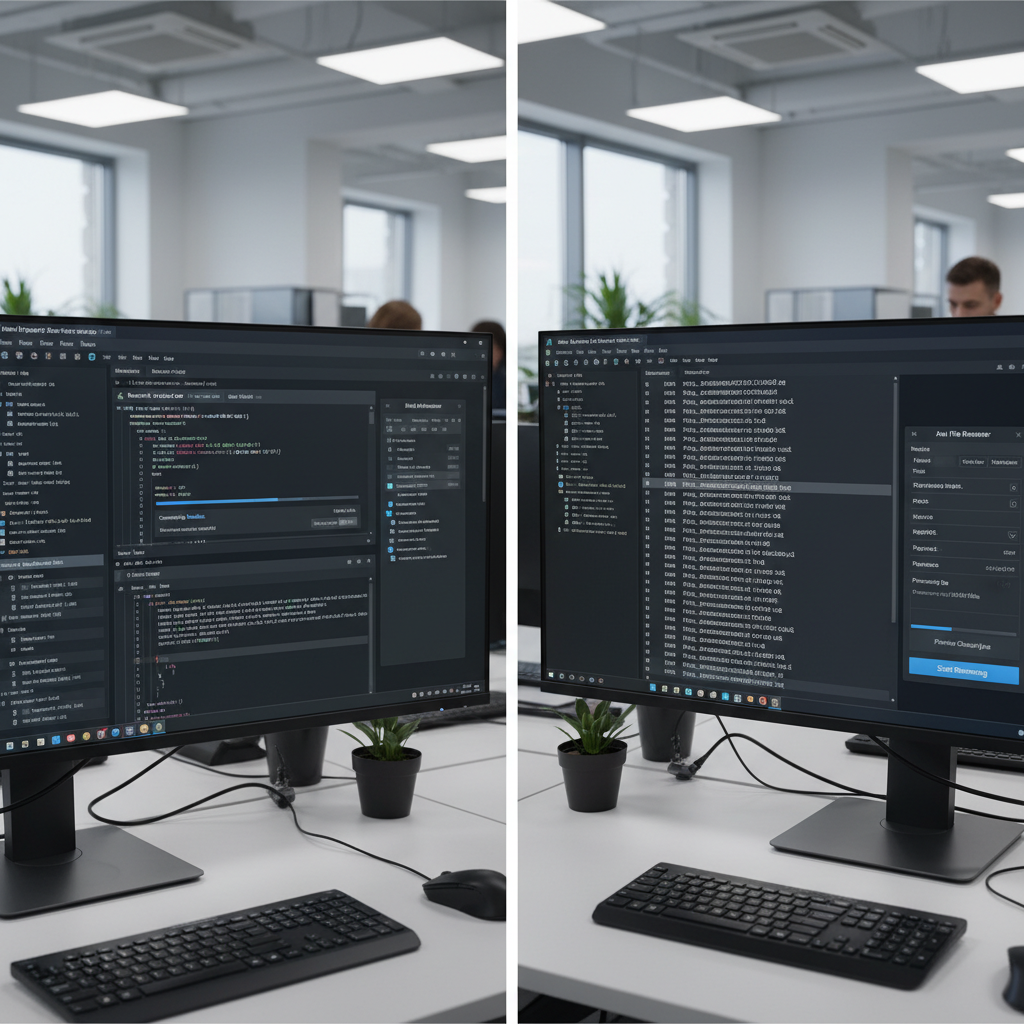
I keep a messy desktop. I have a screen recording file named something awful like screen_recording_9874598237.mp4. I open a second Aion UI tab.
I type: “Rename the latest mp4 file on my desktop to OpenCode_Demo_Final.mp4”. The agent locates the file, runs the rename command, and finishes in 2 seconds.
The expense tracker is still generating in the first tab. You get 2 agents working concurrently. This feature changes how you handle everyday AI tasks.
You can push this further by combining local and cloud models. I run a heavy GPT-4o task in Tab 1 to refactor a massive React codebase. I spin up a local Llama 3 model in Tab 2 to sort my downloads folder.
The cloud model handles the complex logic. The local model handles the dumb file operations. They run simultaneously on different cores.
Your CPU usage will spike, so you need adequate cooling. But you slash your API costs dramatically.
Version history and remote control
AI makes mistakes. Sometimes OpenCode deletes a line of code you needed. Aion UI connects directly to Git under the hood.
It takes an automatic snapshot of your folder before the agent runs. If the result is garbage, you hit the rollback button. The folder reverts exactly to its previous state.
The app also supports remote dispatch. You can link Aion UI to a Telegram bot. You walk away from your desk, open Telegram on your phone, and text the bot a command.
The message travels to your Mac, wakes up Aion UI, and executes the OpenCode task. You can schedule cron jobs using plain English. You type “Run a weekly data pull every Friday at 9 AM.”
Aion UI prevents your Mac from sleeping and executes the pull on schedule. The Git integration operates on a hidden .aion_history branch. It commits the diff silently.
You never see the commit messages clogging your main repository. If you approve the agent’s changes, Aion UI merges the hidden branch into your main working tree. If you reject them, it hard resets the head.
It guarantees your files never get permanently mangled by a hallucinating model.
Pros
- Zero monthly subscription fees
- Live visual file previews
- Full parallel session support
- Git rollback protection
- Works with cheap local models
Cons
- Requires initial manual setup
- You must manage your own API keys
- Heavy memory usage with large repos
- Occasional bugs with Windows WSL paths
- No official customer support line
Connecting local privacy models
Sending financial spreadsheets to OpenAI servers is a massive privacy risk for corporate users. Aion UI solves this by letting you plug into Ollama.
You download Ollama to your Mac, pull a local model, and route OpenCode directly to your localhost port. If you want to try this, check our tutorial on running local models on Mac hardware.
Your data never leaves your hard drive. Your cost drops exactly to 0. The agent runs slightly slower depending on your Mac’s unified memory limits.
The privacy trade-off is worth the extra 5 seconds of processing time. So, you need specific models to make this work.
Like standard text models, they fail at agentic tasks because they cannot output properly formatted JSON. You must pull a tool-calling model. Open your terminal and run ollama run llama3-groq-tool-use.
This specific variant is fine-tuned to emit structured tool commands. Go to the Aion UI settings page. Set your base URL to http://localhost:11434/v1.
Select your Llama 3 model from the dropdown. OpenCode will immediately start sending prompts to your local GPU. You just built a completely private, offline coding assistant.
Final verdict
If you looked at Claude Co-work and hated the $100 price tag, Aion UI is the exact software you need. It wraps the raw power of OpenCode into a clean, modern interface. It gives you complete control over your API spending. You get visual previews, Git safety nets, and remote mobile access. Spend the 10 minutes to set it up.
Frequently asked questions
Does Aion UI work with OpenAI models?
Yes. You can paste an OpenAI API key into the settings panel. OpenCode will automatically use GPT-4o or any other model you specify in the dropdown menu.
Is OpenCode actually free?
The OpenCode software is completely free and MIT licensed. You only pay for the API tokens you consume from your chosen AI provider. If you use a local model via Ollama, the entire process costs 0 dollars.
Can Aion UI format complex Word documents?
Yes. The built-in Word Creator assistant uses Python libraries under the hood to generate files. It formats the text. It saves the raw .docx files directly to your hard drive based on plain English prompts.
What happens if the agent deletes my files?
Aion UI forces a Git snapshot before executing destructive commands. You can click the rollback button in the interface. This restores your folder to the exact state it was in before the prompt ran.
How do I track my API costs?
Aion UI includes a dashboard tab that logs every token sent and received. It multiplies the token count by the current API pricing for your selected model. It displays a running daily total.
Does Aion UI read my screen?
No. Aion UI operates on file paths and terminal commands. It does not take screenshots. It never records your desktop activity like other heavy AI tools.

Written by Mangaleswaran
Mangaleswaran is the founder of AIZnap (aiznap.com) and a dedicated AI content creator. With a background in blogging and technology, he has a deep passion for making artificial intelligence accessible to everyone. He specializes in breaking down complex AI tools, tutorials, and updates into simple, practical guides that anyone can follow. Whether you are a complete beginner or someone looking to use AI to build websites, apps, or grow your online presence — Mangaleswaran's content is designed to help you take action with confidence.
View all posts