

Every major AI provider operates an application layer for working with agents. OpenAI pushes Codeex as a coding agent platform. Anthropic offers Claude Code, and developers treat it as a top-tier coding terminal.
Table of Contents
- ●What you will learn
- ●The token math: Why run DeepSeek locally
- ●Prerequisites and installation
- ●What you need
- ●Inside the workspace: Code mode vs write mode
- ●Write mode
- ●Code mode
- ●Handling API rate limits and errors
- ●Building a frontend feature (Live test)
- ●The threat of verification debt
- ●Feature comparison: DeepSeek GUI vs the rest
- ●Pros and cons of the DeepSeek GUI
- ●The privacy warning
- ●Deploying the final build
- ●Frequently asked questions
- ●Is the DeepSeek GUI an official app?
- ●How much does it cost to use the DeepSeek desktop app?
- ●Does DeepSeek use my code for training data?
- ●Can I run this on macOS?
Google morphed its experimental projects into solo developer workspaces. DeepSeek sat on the sidelines for months. Developers loved the models but hated the user experience. You had to call the API directly or bolt it onto a third-party extension.
The ecosystem lacked a functional workspace built specifically for it. An independent developer fixed the problem. They released the DeepSeek GUI desktop app. It takes DeepSeek from a raw API endpoint and turns it into a local-first workspace for coding, writing, and running long AI sessions.
I spent the last week running this application on my machine. Here is exactly how to set it up. I tracked the exact agent performance. I mapped out the math making this the cheapest coding setup available right now.
What you will learn
- How to install the DeepSeek GUI application locally using Node.js.
- The exact token costs for running agent loops via the DeepSeek API.
- How to configure Model Context Protocol tools for database access.
- The hidden dangers of verification debt in AI-assisted coding.
The token math: Why run DeepSeek locally
Most developers assume running local agents requires massive hardware or expensive API bills. DeepSeek broke that pricing model. They made their discounted API pricing permanent last month.
You pay 0.14 for 1 million input tokens. Output costs 0.28 per 1 million tokens. I run comparison benchmarks constantly. These numbers are absurdly low compared to Anthropic or OpenAI.
And when you let an autonomous agent roam through your file system, it consumes tokens rapidly. It reads your files. It plans an architecture. It writes the code and checks for errors.
A persistent loop running on an expensive model burns through 5 dollars in 10 minutes. DeepSeek GUI solves the cost issue from two angles. It uses the cheap DeepSeek API. It includes a built-in token runtime.
This runtime operates with a cache-first mechanism. It holds your static context in memory. You achieve high cache hit rates and stop paying for the same background instructions over and over.
Let me map out a specific example. You load a 10,000-line React codebase into the agent. The system reads the entire directory once. The initial scan costs around 0.05.
Every subsequent prompt pulls from the cache. You ask the agent to build a new authentication route. The context hit drops the cost to 0.001 per request. You can run 50 iterations on a complex feature for less than a dime.
I track my API dashboard daily. I spent 40 hours building a full-stack Next.js application using the DeepSeek GUI. My total API bill for the entire week was 1.42. The same task on Claude 3.5 Sonnet costs nearly 15 dollars.
Prerequisites and installation
This open-source tool requires local compiling. You pull the repository and build it yourself directly on your machine.
What you need
- Node.js 20 or higher: Download it from the official Node.js website.
- A paid DeepSeek API key: Free tier limits will block persistent agent loops. Add 5 dollars to your DeepSeek API dashboard.
- A terminal: Command Prompt, PowerShell, or macOS Terminal.
- Git: You need the version control system installed to pull the repository.
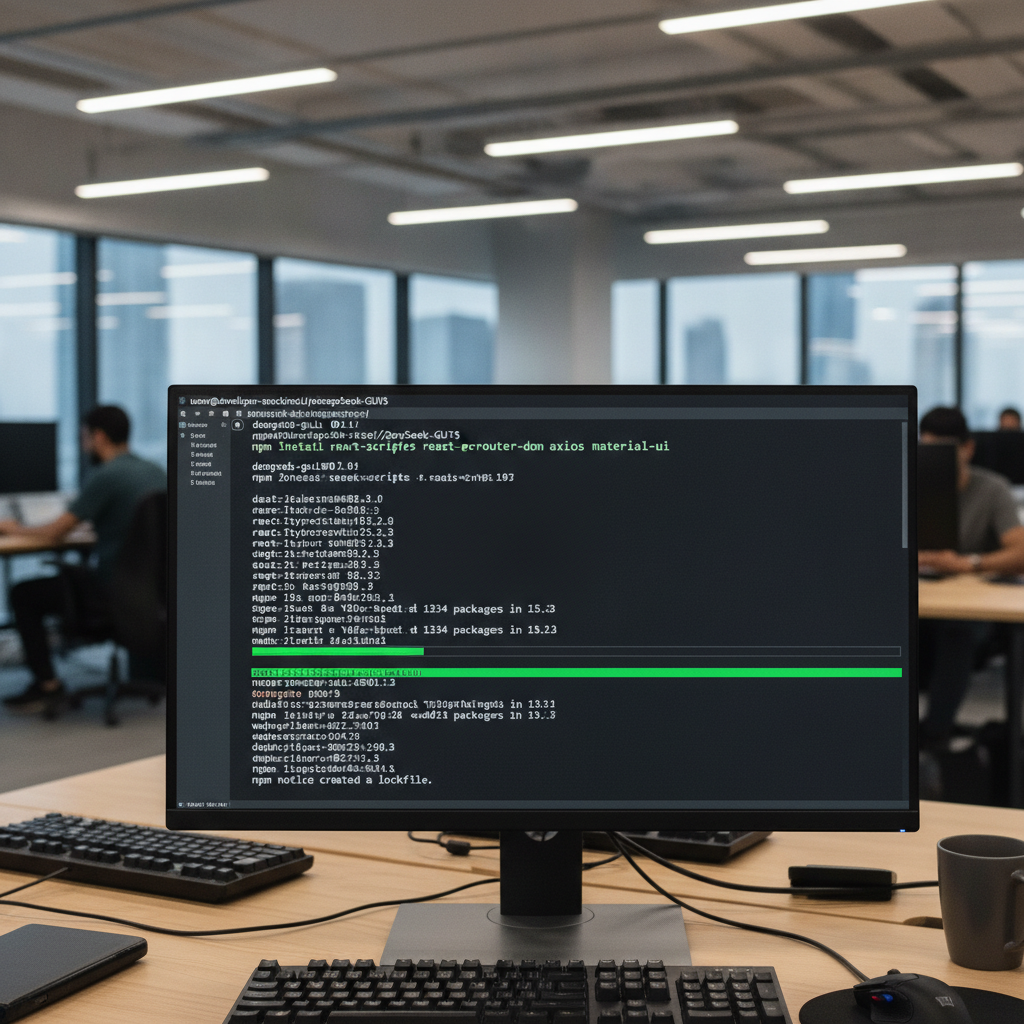
Open your terminal and clone the repository. Run the following commands sequentially:
git clone https://github.com/deepseek-gui/deepseek-gui.gitcd deepseek-guinpm installnpm run dev
The system installs the dependencies. It boots the application and provides a localhost link. You can open this link in your browser.
But you can also compile it into a standalone Electron desktop app. I prefer the actual application window to keep my browser tabs clean. Run `npm run build:electron` to generate a native .dmg or .exe file.
You might encounter an EADDRINUSE error during the boot process. This means port 3000 is occupied by another application. Find the rogue process using `lsof -i :3000` on macOS. Kill the process ID and restart the development server.
Once you open the interface, select your theme. Choose your language. Paste your DeepSeek API key. Click save. Your workspace is ready.
Inside the workspace: Code mode vs write mode
The developer split the interface into 2 distinct operational modes. You switch between them depending on the task.
Write mode
Write mode operates as a dedicated Markdown editor. You use this to draft product requirement documents. You can write technical documentation or format long-form text.
The AI acts as an inline editor. You select a paragraph and ask the agent to rewrite it for clarity. It behaves like the standard chat interfaces you already know.
I use this mode to generate API documentation. You paste a block of raw backend code. The agent reads the variables and writes a clean markdown table explaining every endpoint.
Code mode
Code mode turns the application into an agent. This mode grants the AI access to your actual project files. It reads your directory tree. It understands how your frontend components connect to your backend logic.
You can configure the agent with specific Model Context Protocol skills. MCP tools give your agent mechanical hands. It pulls database rows. It runs terminal commands. It edits files directly.
For example, you can bolt on a PostgreSQL MCP server. You add the connection string to the agent settings. You tell the AI to query your users table and find inactive accounts. The agent writes the SQL. It executes the command. It prints the results right in your chat window.
You can also connect a GitHub MCP server. This allows the agent to read your open pull requests. You ask it to review a pull request from a junior developer. The agent pulls the diff, reads the code, and leaves comments on GitHub directly from your local interface.
The setup takes 5 minutes. You download the official MCP JSON file. You drop it into the DeepSeek GUI configuration folder. You restart the application. The new tools appear in your side panel.
Handling API rate limits and errors
When you run autonomous agents, you hit server limits. The agent sends dozens of requests per minute. It checks files. It asks for permissions. It rewrites functions.
The DeepSeek API sometimes chokes on high-volume requests. You receive a 429 Too Many Requests error. The GUI handles this poorly by default. It drops the connection and forces you to restart.
You fix this by tweaking the retry logic in the application settings. You open the configuration panel. You set the maximum retries to 5. You increase the backoff delay to 10 seconds.
The agent pauses when the server rejects a request. It waits 10 seconds. It tries again.
This prevents the application from crashing halfway through a large build. I ran a 50-file refactoring job last Tuesday. The server threw 3 rate limit errors. The custom backoff logic caught every single one. The agent finished the job.
Building a frontend feature (Live test)
I tested the DeepSeek GUI by asking it to build a React-based editorial software landing page. I opened Code mode and set the reasoning effort to high.
I pasted the following prompt into the chat bar:
Build a responsive landing page for a writing application. Use React and Tailwind CSS. Create a hero section with a dark mode toggle. Add a pricing grid with 3 tiers. Implement a dummy email signup form that logs data to the console. Use Zustand for state management.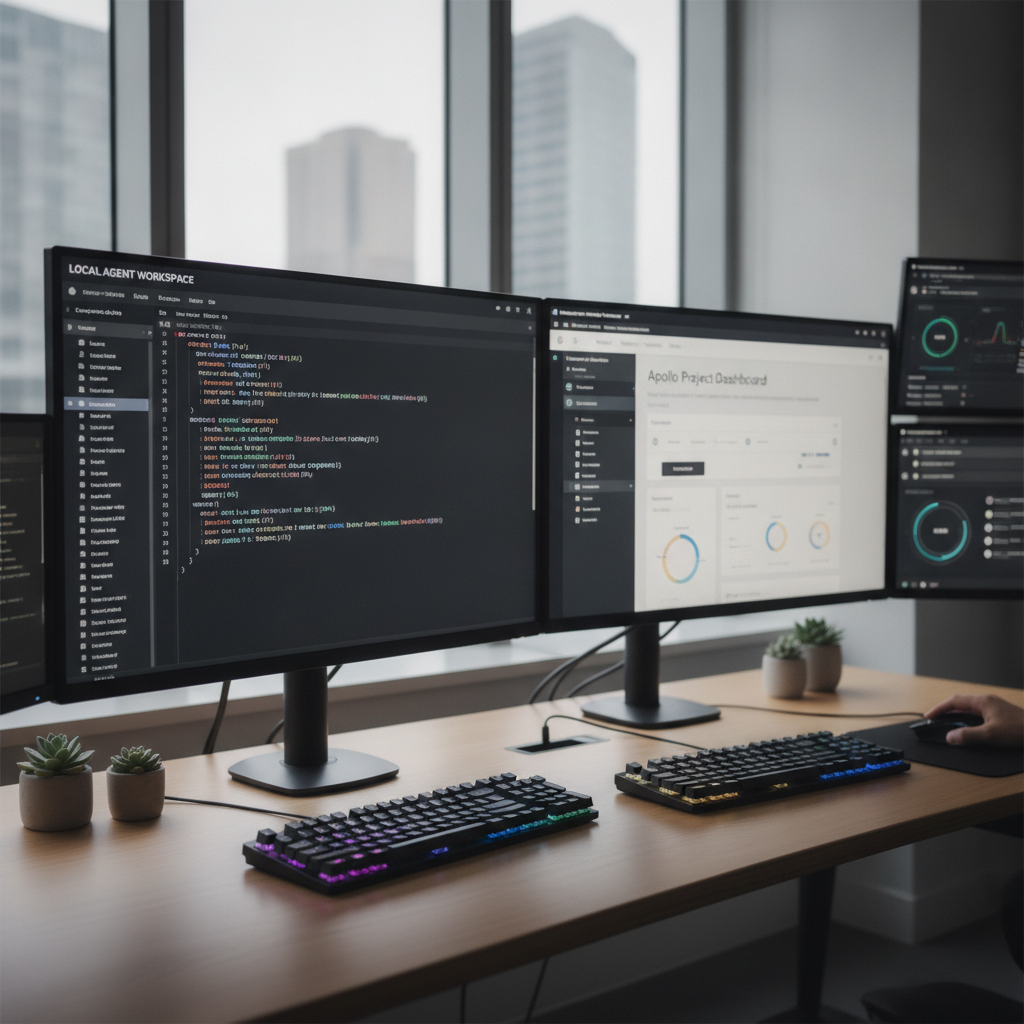
As the agent works, you see 4 specific panels on the right side of the screen:
- Side conversation: A temporary chat thread. You can ask the agent questions about a specific library it chose. This keeps the main prompt clean.
- Thread to-do list: The agent breaks down your prompt into steps. You watch it cross items off as it completes the header and the pricing grid.
- Changelog: A live diff viewer. You see exactly what code the agent adds or deletes.
- Artifacts: A live preview window. The agent renders the HTML and CSS directly inside the application.
I instructed the agent to use Zustand for state management instead of Redux. I wanted to see if it understood lightweight library patterns.
The AI created a separate store.js file. It defined the state variables for the dark mode toggle. It imported the store into the navigation component. The logic was perfectly clean.
The agent finished the landing page in 3 minutes. It added custom typography using Inter. It built smooth scrolling animations using standard CSS transitions. Total cost? Less than 1 penny. The reasoning output was incredibly sharp.
But it hallucinated 1 specific property. It tried to use a deprecated Framer Motion animation prop for the pricing cards. The preview window threw a red compilation error.
The agent caught its own mistake. It read the error log from the console. It deleted the bad prop and swapped in the correct syntax. It fixed the bug without any human intervention.
Once you generate a working application, you put it on the internet. I regularly deploy agent-generated web apps. For quick hosting, I strictly use Hostinger. You take the files DeepSeek generated and drop them into the Hostinger file manager. Your site is live instantly.
The threat of verification debt
Cheap AI coding creates a massive new problem for developers. We generate code faster than we can read it. Pull request volume explodes. Review effort stays flat.
Senior engineers notice this daily. An agent writes a 400-line feature. The tests pass. The descriptions look clean. The reviewer clicks approve without actually verifying the logic.
Three days later, a bug breaks the production server. You dig into the pull request and realize the error was sitting right there. Everyone just scrolled past it.
This is verification debt. The industry currently uses barely half the necessary verification checks before shipping AI code.
Let me give you a specific scenario. An AI agent writes a React useEffect hook to fetch user data. It forgets to include a cleanup function. The component unmounts. The application throws a memory leak error.
The human reviewer misses it because the code looks structurally sound. The application compiles fine. The bug only surfaces when real users click between 5 different pages rapidly.
Pro tip: Stop relying entirely on human code reviews for AI output. You need automated testing agents.
This happens because humans read code linearly. Agents write code relationally. A change in 1 file ripples across 10 others. You can’t hold that entire relational map in your head.
Tools like Test Sprite exist to solve this. Instead of reading diffs, an AI testing agent actually opens your compiled application.
It clicks through the user flows. It builds automated test plans in parallel. It hunts for edge cases that survive human approvals.
It inputs random text strings into your email forms to force server validation errors. It clicks submit 50 times in 2 seconds to test your rate limiting. You catch the logic failures before the code hits the main branch.
Feature comparison: DeepSeek GUI vs the rest
| Feature | DeepSeek GUI | Claude Code |
|---|---|---|
| Cost to run | Extremely low (API pricing) | High (Anthropic API) |
| Interface | Desktop app / Web GUI | Terminal based |
| Live artifact previews | Yes (Built-in) | No |
| Data privacy | Questionable (Trains on API data) | Strict (No training on API) |
If you prefer building inside your actual IDE instead of a separate workspace, you should read my guide on how to build a web app with Cursor AI. Cursor remains the dominant force for vibe coding. But you pay 20 dollars a month for the privilege.
Pros and cons of the DeepSeek GUI
The good
- Costs pennies to operate daily.
- Supports macOS, Windows, and Linux operating systems.
- Isolates coding and writing workflows cleanly.
- Handles persistent loops for massive refactoring tasks.
The bad
- Requires basic Node.js knowledge to install and compile.
- DeepSeek trains its models on your raw API inputs.
- Independent developers maintain the unofficial software. It lacks enterprise support.
The privacy warning
You must understand DeepSeek’s data policy before you connect this app to your enterprise codebase. Their terms differ from OpenAI or Anthropic.
DeepSeek explicitly trains on data passed through their API endpoints. If you work on classified algorithms or highly secure customer databases, do not paste that code into this tool.
OpenAI gives you enterprise privacy by default on their paid API tier. DeepSeek does not. They scrape the prompts to improve their next model generation.
For side projects, indie hacking, or general AI coding assistant duties, the risk remains low. Use common sense. Keep sensitive environment variables out of the prompt window. Store your database credentials in a local .env file that the agent can’t read.
Deploying the final build
The DeepSeek GUI desktop app turns a raw model into a highly functional workspace. It gives you the planning power of expensive agent layers without the massive API bills. You get artifacts, code context, and a clean markdown editor wrapped into 1 local application.
You bolt the agent to your local directory. You give it a 3-sentence prompt. You watch it spin up full React architectures for fractions of a penny.
Download the DeepSeek GUI Source Code
Frequently asked questions
Is the DeepSeek GUI an official app?
No. An independent developer built this open-source application. DeepSeek officially provides only the raw models and API endpoints. The community builds wrappers like this to improve usability. You pull the code directly from GitHub.
How much does it cost to use the DeepSeek desktop app?
The software itself is free. You only pay for the DeepSeek API usage. Current token pricing is 0.14 per 1 million input tokens and 0.28 per 1 million output tokens. Generating a full React component usually costs less than 1 cent. A massive 50-file refactoring job might cost 0.30.
Does DeepSeek use my code for training data?
Yes. DeepSeek’s data policy permits training on API inputs. Do not use this tool for highly sensitive corporate codebases. Keep your API keys and production passwords out of the chat window.
Can I run this on macOS?
Yes. The DeepSeek GUI is cross-platform. It runs on macOS, Windows, and Linux. You just need Node.js installed to compile the application locally. You can export a .dmg file to run it natively on your Mac desktop.

Written by Mangaleswaran
Mangaleswaran is the founder of AIZnap (aiznap.com) and a dedicated AI content creator. With a background in blogging and technology, he has a deep passion for making artificial intelligence accessible to everyone. He specializes in breaking down complex AI tools, tutorials, and updates into simple, practical guides that anyone can follow. Whether you are a complete beginner or someone looking to use AI to build websites, apps, or grow your online presence — Mangaleswaran's content is designed to help you take action with confidence.
View all posts